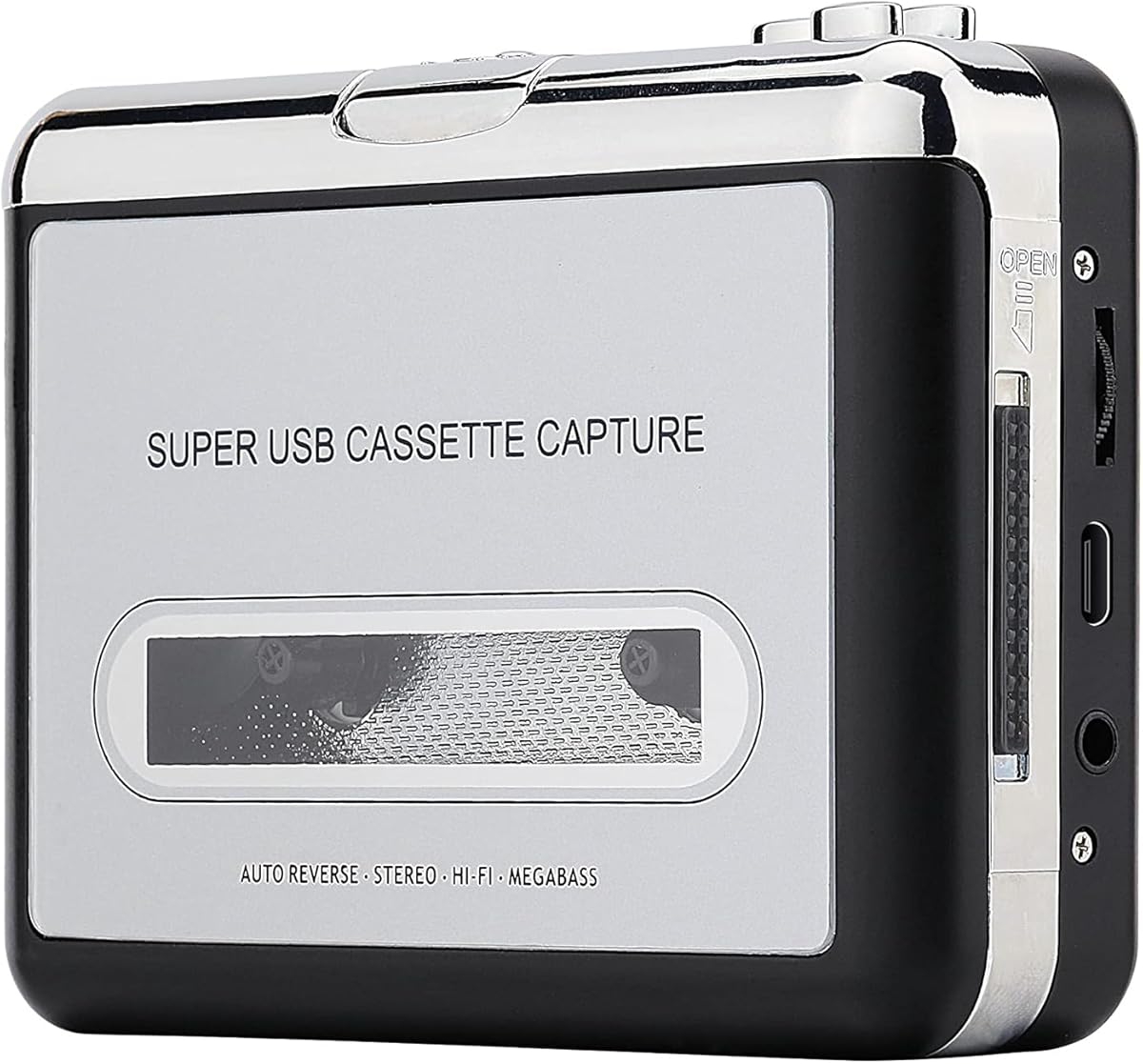
Reshow Cassette Tape Player Silver
3.8Editor score
Affordable entry price point
Standard 3.5mm AUX jack
Includes converter software guide
This guide compares the top cassette to MP3 converter options available in 2026 to help you digitize old tapes easily without needing a computer.
Preserving your cherished music collection is easier than ever with modern cassette to MP3 converter devices. These gadgets let you turn old tapes into digital files instantly without requiring a PC or complex software setup for everyday users.
We evaluated ten popular models based on ease of use, sound quality, and portability. Each product was assessed for its ability to handle various tape types and deliver reliable digital transfers for your personal library collections.
Each pick below highlights key features and performance notes to help you decide. Prices and availability may change, so check the current listings before making your final selection for your digitization needs today.
3.8Editor score

4.5Editor score

4.3Editor score
The following table provides a quick side-by-side look at the main features of each model so you can compare specs and capabilities before choosing the right one for your needs.


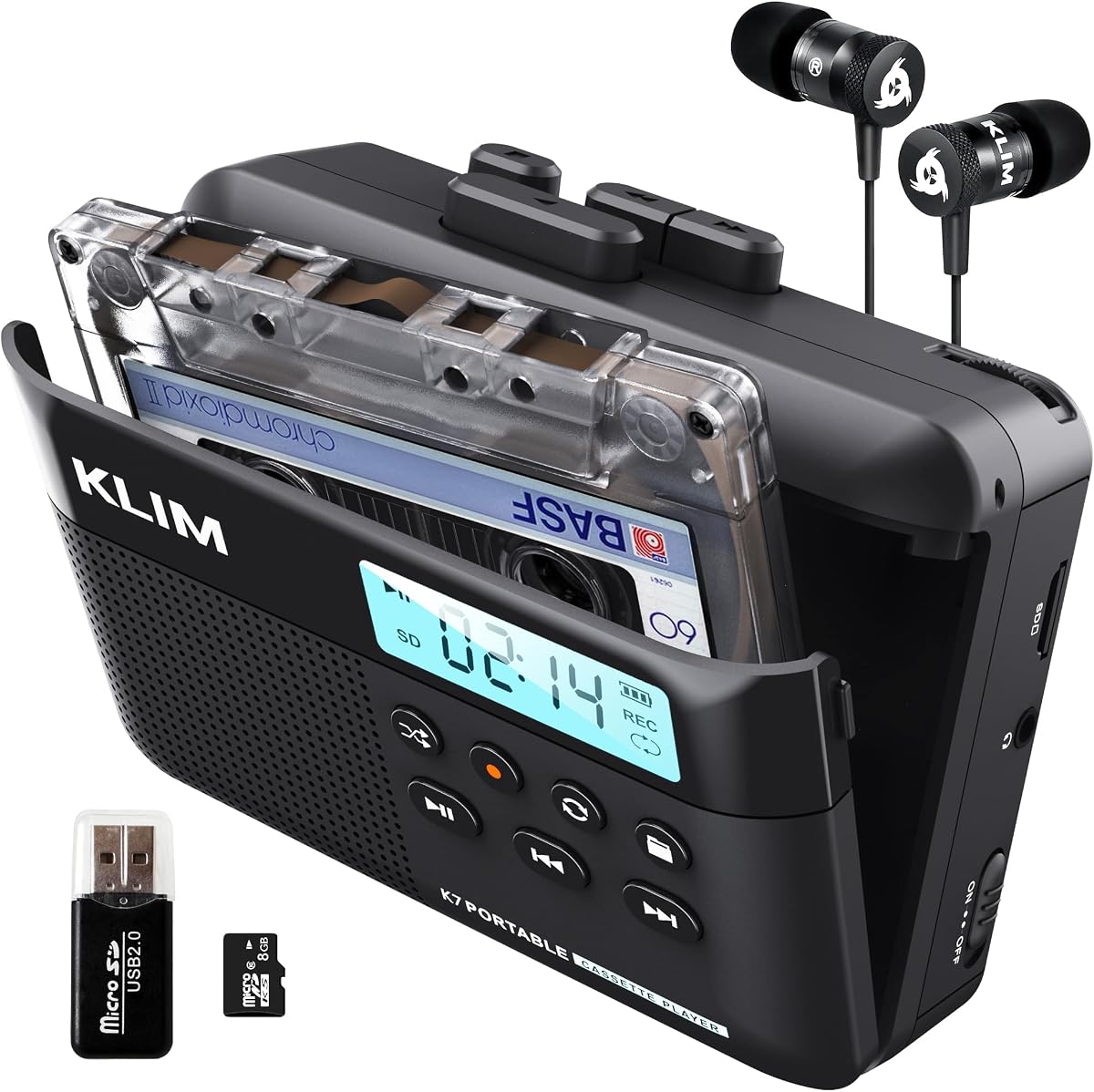


The K7 Cassette Player stands out as a top pick for its ease of use and portability. With a 4.2 rating it delivers reliable performance for converting tapes to digital MP3 files without extra software.
We may earn a commission when you buy through this link, at no additional cost to you.
Its built-in microphone allows you to capture thoughts or meetings directly to the included 16GB SD card. The device functions as a standalone music player too making it versatile for travel or daily use.
While it lacks the ability to record onto cassette tapes the focus on playback and digital transfer is clear. The 1000mAh battery provides enough power for several sessions with just two hours of charging time.
Buy this if you want a simple plug-and-play solution for digitizing your collection. It is ideal for commuters or travelers who need a compact tool for preserving old tapes on the go.
Simply follow the user manual to convert tapes to MP3 format stored on the SD card with no app downloads needed.
The included premium earphones and 3.5mm jack let you enjoy your converted tunes anywhere with lightweight comfort.
We may earn a commission when you buy through this link, at no additional cost to you.
The SEMIER Small Cassette Player offers versatility with its ability to convert tapes via SD card or USB cable using Audacity software. It holds a 4.0 rating for its practical features and compact build.
We may earn a commission when you buy through this link, at no additional cost to you.
You can record audio using the built-in microphone onto an SD card or convert old cassettes to MP3 files through a computer connection. The LCD screen makes navigation and control of recordings straightforward.
Power options include USB-C or four AA batteries making it adaptable for different environments. The 2W speaker ensures good sound quality for private listening or sharing with friends nearby.
This model suits users who want flexibility in how they digitize their tapes. It is a solid choice for those comfortable using basic software and needing a portable recorder player combo.
Choose between SD card storage or USB software conversion to fit your workflow and device preferences easily.
Its small ABS case and lightweight design make it easy to carry anywhere without taking up much space.
We may earn a commission when you buy through this link, at no additional cost to you.
The ClearClick Cassette Tape to USB converter is designed for simplicity with no computer or drivers needed. It earns a high 4.5 rating for its efficient workflow and reliable automatic track splitting feature.
We may earn a commission when you buy through this link, at no additional cost to you.
Audio transfers are saved directly to the included 16GB USB drive in high-quality MP3 format. The device doubles as a personal cassette player with included earbuds for immediate listening enjoyment.
Its automatic track splitting mode ensures that each song becomes a separate file without manual intervention. This saves time and keeps your digital library organized from the start of your digitization project.
Buy this if you value speed and ease above advanced recording features. It is perfect for anyone who wants to convert tapes to digital files instantly without any technical setup hurdles.
The instant setup allows you to plug in the USB drive and start converting tapes immediately without extra tools.
Automatic splitting creates individual MP3 files for each track so your digital collection is neatly structured.
We may earn a commission when you buy through this link, at no additional cost to you.
The Reshow Cassette Tape Player in Silver offers an entry-level option for digitizing old tapes at a low cost. It has a 3.8 rating reflecting its basic but functional design for budget-conscious buyers.
We may earn a commission when you buy through this link, at no additional cost to you.
It converts cassettes to MP3 format via a USB cable connected to a laptop or PC. The included software and guide help ensure a smooth transfer process for users new to this task.
Its standard 3.5mm AUX input works with most headphones or car stereos for versatile playback options. The lightweight and compact size makes it easy to store when not in use.
This model is best for those on a tight budget who need a simple converter. It works well for occasional use but may require more patience than premium alternatives with higher ratings.
Its affordable price makes it accessible for anyone wanting to try digitization without a large upfront investment.
Works seamlessly with standard headphones and laptops for a familiar setup experience without special drivers needed.
We may earn a commission when you buy through this link, at no additional cost to you.
The K7 Cassette Player with 8GB SD card provides a compact solution for digital conversion with strong portability. It holds a 4.3 rating for its user-friendly design and standalone functionality.
We may earn a commission when you buy through this link, at no additional cost to you.
You can convert tapes directly to the included 8GB SD card without additional devices or apps. The built-in microphone allows recording thoughts or sessions onto the card for extra utility.
A 1000mAh rechargeable battery supports travel with only two hours of charging time needed. The package includes earphones and a card reader for a complete setup right out of the box.
Buy this if you need a lightweight option for on-the-go conversion. It suits casual users who prefer simplicity and do not require large storage volumes for their files.
The bundle includes everything needed such as earphones and a card reader for immediate use upon arrival.
A five year assurance provides confidence that the device is built with quality components for long term use.
We may earn a commission when you buy through this link, at no additional cost to you.
The K7 Cassette Player with 32GB SD card offers more storage space for extensive collections than smaller models. It carries a 4.2 rating for its reliable performance and convenient no app setup.
We may earn a commission when you buy through this link, at no additional cost to you.
Convert tapes to digital MP3 files on the included 32GB SD card seamlessly. The built-in microphone adds the ability to record thoughts or meetings directly onto the card for extra value.
Power comes from a 1000mAh battery that charges in about two hours via Type C USB. This keeps the device ready for long listening or conversion sessions during travel.
Choose this if you have a large library of tapes to digitize. The extra storage ensures you can store many more files without needing to manage space as often.
The 32GB SD card provides plenty of room for thousands of converted songs or hours of recorded audio.
Type C USB cable support aligns with current standards for charging and data transfer compatibility.
We may earn a commission when you buy through this link, at no additional cost to you.
The Reshow Cassette Tape Player in Black mirrors the silver model with similar functionality for budget shoppers. It holds a 3.9 rating for its straightforward approach to cassette conversion.
We may earn a commission when you buy through this link, at no additional cost to you.
It converts tapes to MP3 files via USB cable connection to a computer. The included software and guide support users through the transfer process without needing extra tools.
Its 3.5mm AUX input allows connection to various headphones or speakers for versatile listening. The compact size makes it easy to store in a drawer or travel bag.
This option suits those who want a basic converter at a low cost. It is effective for simple needs but may lack the polish of higher rated devices in the market.
The sleek black finish offers a modern look that blends well with other tech accessories on your desk.
Despite its low price it handles the core task of digitization reliably with the provided software suite.
We may earn a commission when you buy through this link, at no additional cost to you.
The USB Cassette to MP3 Converter is built for standalone use without a PC. It has a 3.8 rating and stands out with an auto reverse function to switch tape sides automatically.
We may earn a commission when you buy through this link, at no additional cost to you.
It records directly to a USB flash drive and supports FAT and FAT32 formats up to 128GB. A volume control button lets you adjust levels during recording or playback for better quality.
The classic walkman look includes headphones and a carry bag for basic protection. This makes it convenient for travel and ensures your device stays safe during transport.
Buy this if you need a simple auto reverse tool for tapes. It works well for casual users who prefer physical controls and minimal setup steps for conversion.
The auto reverse feature switches tape sides automatically during conversion saving you time and effort.
Adjust volume during recording with a dedicated button for better control over the output levels.
We may earn a commission when you buy through this link, at no additional cost to you.
The Gracioso Bluetooth Cassette to MP3 Converter brings wireless capabilities to vintage tapes. It holds a 4.3 rating for its dual Bluetooth modes and powerful 6W speaker.
We may earn a commission when you buy through this link, at no additional cost to you.
It features a transmitter to stream tape audio to wireless headphones and a receiver to play phone music through its speaker. This bridges old formats with modern devices seamlessly.
A 2000mAh battery supports up to ten hours in Bluetooth mode and direct USB recording without software. You can also record digital music onto blank cassette tapes via Bluetooth receiver mode.
Choose this if you want advanced features like wireless streaming and recording to blank tapes. It is a versatile premium tool for enthusiasts seeking more than just basic conversion.
Dual Bluetooth allows streaming from tape to headphones or from phone to speaker for flexible listening options.
Record directly to USB without a computer using one click and FAT32 format compatibility for simplicity.
We may earn a commission when you buy through this link, at no additional cost to you.
The K7 Cassette Tape Player offers a solid all around experience with a built-in microphone and 16GB SD card. It holds a 4.2 rating for consistent performance and simple operation.
We may earn a commission when you buy through this link, at no additional cost to you.
It converts tapes to MP3 files without extra software and plays back music via its integrated speaker. The built-in microphone allows you to record thoughts or meetings directly onto the card.
A 1000mAh rechargeable battery ensures portability with quick charging times. The included premium earphones let you listen privately while on the move.
Buy this if you want a reliable tool for both playback and recording. It suits users who value ease of use and a complete kit for daily digitization tasks.
Use the built-in mic to capture thoughts onto SD card easily without extra recording gear.
Function as a music player for SD cards or tapes with included earphones for convenience.
We may earn a commission when you buy through this link, at no additional cost to you.
Choosing the right converter involves looking at features like storage options and software needs to match your workflow.
Some models convert to SD cards directly while others need USB connections to a computer. Select one that fits your comfort level with tech and available devices at home.
Pick the method that offers the most convenience for your daily tasks without unnecessary steps.
Devices come with SD cards or USB drives ranging from 8GB to 128GB. More storage allows you to keep more files without deleting old ones.
Ensure the included storage meets your collection size or check for expandability options.
Rechargeable batteries offer portability for travel or use in areas without power outlets. Check the runtime to ensure it covers your typical usage sessions.
Look for models with quick charging times to minimize downtime between uses.
Speakers and headphone jacks vary in clarity and power. Good sound quality helps ensure your converted files capture the original audio accurately.
Prioritize devices with decent speaker output if you plan to listen without headphones.
Some converters work instantly without software while others require programs like Audacity. Decide if you want a plug-and-play experience or are willing to install tools.
Software-free options are often faster and easier for casual users.
Lightweight and compact designs make it easier to take your device on trips. Consider weight and included accessories like carry bags or headphones.
Choose a model that fits in your bag for true on-the-go convenience.
Features like auto reverse or Bluetooth transmission add value for specific needs. Think about what extra functions would improve your workflow.
Extra features can save time but often increase the cost.
A good warranty protects your investment against defects. Look for terms that offer at least a year of coverage or more.
Strong support ensures you have help if issues arise later.
Start by inserting a cassette tape and your storage device like an SD card or USB drive into the slots provided. Press the record or convert button to begin the process.
Adjust the volume levels as needed to ensure clear audio quality during conversion. Listen through headphones or the speaker to verify the transfer is working well.
Store your device in a dry place away from dust when not in use. Keep the heads clean with a cotton swab to maintain consistent performance over time.
No many of the models reviewed can convert tapes to MP3 without a computer. They save files directly to SD cards or USB drives for easy transfer.
Most units work with standard Type I tapes but metal tapes may require specific support. Always check the product details for tape compatibility before purchasing.
The time depends on the tape length but usually matches the playback speed. Auto reverse models can cut total time by handling both sides automatically.
Some models like the Gracioso allow recording digital music onto blank tapes. Others are designed primarily for playback and conversion to digital files.
Common formats include FAT and FAT32 for USB drives. SD cards are often included or supported in capacities from 8GB to 128GB.
Several options are software-free and work instantly. Others may come with or require programs like Audacity for USB-based conversion.
We covered ten top models ranging from budget-friendly options to premium devices with Bluetooth and auto reverse features. Each brings unique strengths to help you digitize your music collection.
Prioritize what matters most to you such as portability or storage space when making your decision. The right tool depends on your specific needs and how often you plan to convert tapes.
Remember that prices change so check the current listings for the best deals before buying. Use the links provided to find the best choice available today for your needs.