
DARKROCK 3-Pack 120mm Black
4.6Editor score
Affordable 3 pack value
Low noise 32dB operation
Hydraulic bearing design
Discover the top-rated exhaust fan for PC options for cooling your computer case with this detailed comparison of performance, noise, and reliability.
Finding the right exhaust fan for PC is essential for maintaining optimal system temperatures and ensuring long-term hardware reliability. Modern builds often generate significant heat that requires efficient airflow to prevent thermal throttling and performance drops.
We compared ten leading models based on airflow capacity, noise levels, bearing technology, and ease of installation. Each product was evaluated for its ability to serve as a reliable exhaust solution in various case configurations and usage scenarios.
Every pick showcases real-world performance data and user feedback to help you make an informed decision. Keep in mind that prices and availability can change frequently, so check current listings before purchasing your next cooling component.
4.6Editor score

4.8Editor score

4.5Editor score
This side-by-side comparison highlights the key specifications and features of the top ten exhaust fans for PC cooling. Use this table to quickly identify which model matches your specific airflow, noise, and budget requirements.




The Noctua NF-P12 redux-1700 PWM stands out as the top choice for users seeking a reliable exhaust fan for PC. It delivers exceptional cooling performance while maintaining whisper quiet operation.
We may earn a commission when you buy through this link, at no additional cost to you.
This fan features a pressure-optimised blade design that ensures high static pressure for efficient airflow through radiators or restrictive cases. The 1700 RPM speed provides ample cooling power without sacrificing silence.
While it costs more than budget alternatives, the 150000 hour MTTF rating ensures long-term reliability. The trade-off is minimal compared to the peace of mind provided by Noctua engineering.
If you prioritize quiet and performance, this fan is the ideal solution for any exhaust setup requiring dependable cooling.
Operating at only 25.1 dB this fan ensures silent performance even under full load.
With a MTTF of 150000 hours you can rely on this fan for years of service.
We may earn a commission when you buy through this link, at no additional cost to you.
The be quiet! Pure Wings 3 is designed specifically for silent PC builds. It offers excellent airflow while minimizing noise levels to a whisper.
We may earn a commission when you buy through this link, at no additional cost to you.
Its rifle bearing design ensures smooth and vibration free operation over time. The optimized frame focuses airflow to maximize cooling efficiency without adding extra noise.
This model lacks RGB lighting and high speed performance but makes up for it with pure silence. It is perfect for quiet office or home theater PCs.
Choose this fan if silence is your top priority for your exhaust setup.
The fan operates at low RPM for minimal noise in quiet environments.
Built to German quality standards ensuring durability and reliability.
We may earn a commission when you buy through this link, at no additional cost to you.
The DARKROCK 3-Pack offers an affordable way to cool multiple zones in your PC. It provides solid cooling for the price with hydraulic bearing durability.
We may earn a commission when you buy through this link, at no additional cost to you.
Each fan operates quietly at 32.1 dBa making it suitable for standard case ventilation. The silicone cushions help absorb vibrations for smoother operation.
While not high performance this bundle covers budget builds needing reliable replacement fans. It is a practical choice for non-demanding cooling needs.
Buy this if you need multiple fans without spending much on each unit.
High-quality bearings prolong service life to 30000 hours.
Silicone cushions reduce vibration for quieter fan operation.
We may earn a commission when you buy through this link, at no additional cost to you.
The X1 USB Cooling Fan is ideal for cooling external electronics rather than internal PC cases. It delivers ultra-quiet operation and portable convenience.
We may earn a commission when you buy through this link, at no additional cost to you.
Powered by USB it connects easily to various devices like routers or consoles. The noise level is just 18 dB making it barely audible in most rooms.
This fan is not designed for internal case exhaust but excels at peripheral cooling. It is a great solution for preventing overheating in compact setups.
Choose this for small electronics cooling where silence and portability matter.
Operates at 18 dB which is quieter than a library.
Uses a USB cable for easy connection without extra power.
We may earn a commission when you buy through this link, at no additional cost to you.
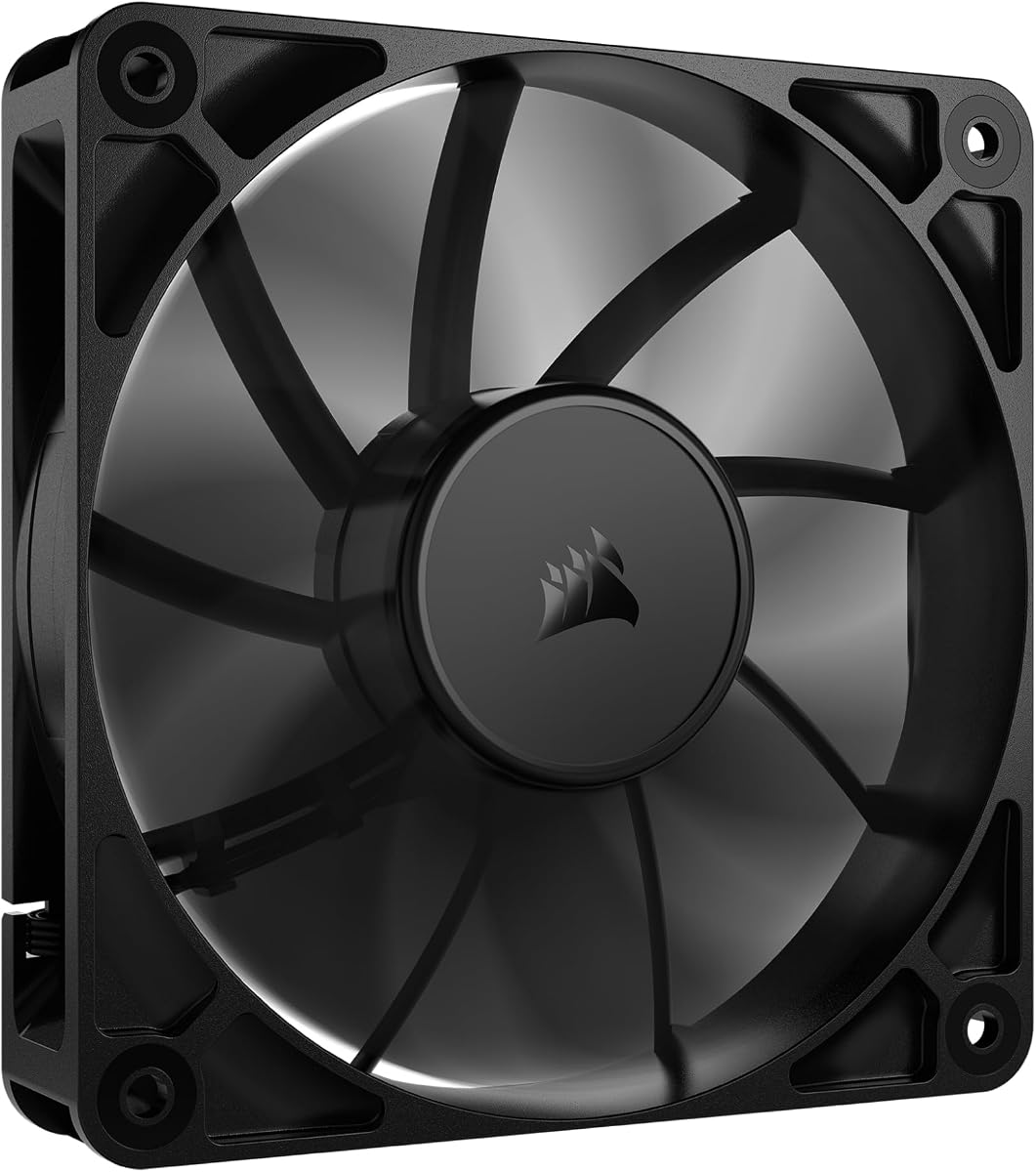
The CORSAIR RS120 features AirGuide technology that directs airflow efficiently to hotspots. It is a strong performer for radiator cooling and case exhaust.
We may earn a commission when you buy through this link, at no additional cost to you.
With a Magnetic Dome bearing it offers quiet operation and reduced friction. The daisy-chain connection simplifies cable management for multiple fan setups.
While it does not have RGB lighting it delivers excellent performance for the price. It is a reliable choice for users focused on cooling efficiency.
Buy this if you need high static pressure for radiators or dense cases.
Anti-vortex vanes direct airflow exactly where cooling is needed.
Daisy-chain multiple fans with one single PWM connector.
We may earn a commission when you buy through this link, at no additional cost to you.
The Thermalright 5 Pack provides excellent value with ARGB lighting for aesthetics. It is a solid choice for building a complete RGB exhaust setup.
We may earn a commission when you buy through this link, at no additional cost to you.
Each fan features S-FDB bearings for quiet and stable operation. The ARGB effects can be synchronized with your motherboard for a cohesive look.
While performance is standard the lighting and bundle price are strong draws. It works well for cases needing multiple fans with visual appeal.
Choose this if you want RGB lighting and affordability in a 5 pack.
High-brightness LED blades create soft synchronized lighting effects.
S-FDB bearing reduces noise and extends fan service life.
We may earn a commission when you buy through this link, at no additional cost to you.
The Kingwin 80mm Silent Fan is designed for smaller cases or specific mounting spots. It offers silent operation and reliable long-life bearing performance.
We may earn a commission when you buy through this link, at no additional cost to you.
Its optimized blade design delivers excellent ventilation for its size. It fits standard 80mm mounts making it ideal for compact PC builds.
While limited to 80mm sizes this fan is reliable for budget or office systems. It ensures cooling without adding noise to the workspace.
Buy this if you need a silent 80mm replacement fan for your case.
Designed for silent operation with low noise levels.
Reliable bearing for extended lifespan and consistent cooling.
We may earn a commission when you buy through this link, at no additional cost to you.
The Noctua NF-P12 redux offers an incredibly long lifespan with 150000 hour MTTF. It is a reliable choice for those valuing durability over flashy features.
We may earn a commission when you buy through this link, at no additional cost to you.
It maintains high static pressure and quiet operation through its pressure-optimised design. PWM control ensures efficient speed management based on system needs.
While it is a higher-end price the long-term value is strong. This fan will outlast many competitors with consistent performance.
Choose this if long-term reliability is more important than RGB lighting.
More than 150000 hours MTTF ensures long-term reliability.
Blade design provides high static pressure for radiators.
We may earn a commission when you buy through this link, at no additional cost to you.
The Wathai 12038 delivers industrial-level performance with 230CFM airflow. It is built for heavy-duty cooling in mining rigs or high-heat environments.
We may earn a commission when you buy through this link, at no additional cost to you.
Its dual-ball bearing ensures stability at high speeds up to 5300 RPM. PWM support allows speed control to balance cooling and noise levels.
While loud at full speed it offers unmatched airflow for demanding cases. The thick 38mm design may not fit standard cases without clearance.
Buy this if you need maximum airflow for high-performance or mining builds.
Delivers 230 CFM airflow for maximum cooling performance.
67000 hours lifespan for stable high-speed operation.
We may earn a commission when you buy through this link, at no additional cost to you.
The Thermalright TL-C12C-S X3 is a 3 pack bundle with ARGB lighting. It provides solid cooling and aesthetic appeal for RGB-focused PC builds.
We may earn a commission when you buy through this link, at no additional cost to you.
Each fan features S-FDB bearings for stable and quiet operation. The ARGB lighting offers 17 modes of synchronized effects for a polished look.
While performance is standard the lighting and bundle price are strong draws. It works well for cases needing multiple fans with visual appeal.
Buy this if you need three RGB fans with good price and quality.
High-brightness LED blades create soft synchronized lighting effects.
120mm size designed for minimal noise at 25.6dBA.
We may earn a commission when you buy through this link, at no additional cost to you.
Selecting the right exhaust fan for PC requires balancing airflow, noise, and compatibility. This guide helps you understand the key factors to consider before buying.
Airflow measured in CFM determines how much air moves through your case. High airflow is ideal for general case exhaust to remove hot air quickly.
Static pressure is crucial for pushing air through restrictive components like radiators or dust filters. Look for fans with higher static pressure ratings if you have dense obstructions.
Noise levels are measured in decibels (dB) and impact your environment's quietness. Lower dB ratings mean less audible noise during operation.
For silent builds choose fans under 25 dB. For gaming or mining setups higher noise may be acceptable for better cooling performance.
Bearing types like fluid dynamic or ball bearings determine the fan's lifespan and stability. Fluid dynamic bearings are usually quieter and last longer.
Check the MTTF rating to estimate longevity. High-quality bearings reduce vibration and noise over the years.
PWM fans allow motherboard control of speed based on temperature readings. This dynamic control optimizes cooling and reduces noise when full power is unnecessary.
DC fans use a voltage signal which is less precise. For modern builds PWM is preferred for smarter and more efficient speed regulation.
Standard case fans come in 120mm or 140mm sizes for front and rear mounting. Ensure your case supports the fan size you choose for proper fit.
Specialty sizes like 80mm or 38mm exist for compact cases. Always measure your case mounts before purchasing to avoid compatibility issues.
RGB fans offer customizable lighting effects to match your build style. These fans often require additional connectors or cables for full control.
If you prioritize aesthetics choose fans with ARGB support for better color mixing. For pure function, standard fans without lighting offer better value.
Fan frames made from high-grade plastic or metal resist cracks and warping. Look for models with reinforced corners and solid mounts for stability.
Materials also affect vibration dampening. Durable builds reduce rattle and ensure long-term quiet operation.
Buying fans in packs like 3 or 5 units often reduces the cost per fan. Bundles are ideal when you need multiple fans for intake and exhaust zones.
Set a budget that fits your project. High-end fans offer better performance but may not be necessary for all use cases.
Install your exhaust fan at the rear or top of the case to expel hot air effectively. Ensure the fan direction arrow points outward to avoid pushing hot air inside.
Clean dust from fan blades and mounts regularly using compressed air. Dust buildup can reduce airflow and increase noise levels over time.
Check fan connections and cables every few months to ensure secure contacts. Tighten screws properly to prevent vibration-induced noise or loosening.
The Noctua NF-P12 redux-1700 PWM is highly rated for its balance of quiet performance and cooling efficiency. It suits most cases and provides reliable long-term operation.
Yes, an exhaust fan is essential for expelling hot air from your case. Without it heat buildup can lead to thermal throttling and hardware damage.
One rear exhaust fan is usually sufficient for standard cases. High-end builds may benefit from additional top or side exhaust for better airflow.
PWM fans are better for modern motherboards as they offer precise speed control. This leads to more efficient cooling and less unnecessary noise.
Use rubber mounts to absorb vibration and keep fan speeds low when possible. High-quality bearings and clean dust filters also help minimize noise.
Yes, fans with AC or USB power can cool routers or other electronics. Ensure you adapt power and mounting correctly for non-PC devices.
Most cases support 120mm or 140mm fans. Always check your case specifications to confirm which sizes fit your desired exhaust location.
Quality fans last 30000 to 150000 hours. Bearings and usage conditions impact lifespan. High-quality models ensure years of reliable service.
This guide highlights ten top-rated exhaust fans for PC ranging from budget bundles to premium high-performance models. Each option offers distinct advantages depending on your cooling and noise needs.
When choosing prioritize airflow capacity, noise levels, and bearing longevity to ensure your system stays cool and silent. Match the fan size and connector type to your case requirements.
Prices and availability can change so verify current listings before purchasing. Selecting the right fan will keep your hardware running efficiently and quietly for years.