
Lenovo 15.6" IdeaPad
4.0Editor score
AMD Athlon 7120U CPU
Includes External DVD Player
3-in-1 Accessory Bundle
Finding a laptop with a built-in or included external DVD drive is increasingly rare in modern computing. Most manufacturers have removed optical drives to save weight and space. However, many professionals and students still rely on physical media for software installation, data backup, or media playback.
We evaluated ten reliable options that pair strong performance with optical drive functionality. Our comparison focuses on processors, display quality, connectivity, and overall value. Each selection ensures you can handle daily tasks while accessing legacy discs without needing extra adapters.
Every recommendation below highlights key specs, pros, and cons to help you decide. Prices and availability fluctuate frequently due to supply and demand. We recommend verifying current listings before purchasing to ensure you get the exact configuration and bundle you need.
4.0Editor score

4.5Editor score

4.1Editor score
As an Amazon Associate we earn from qualifying purchases.
The following table presents a side-by-side comparison of ten laptops that support optical media. These devices vary in performance, screen size, and operating system. Use this overview to quickly identify models that meet your specific workflow requirements and budget constraints.

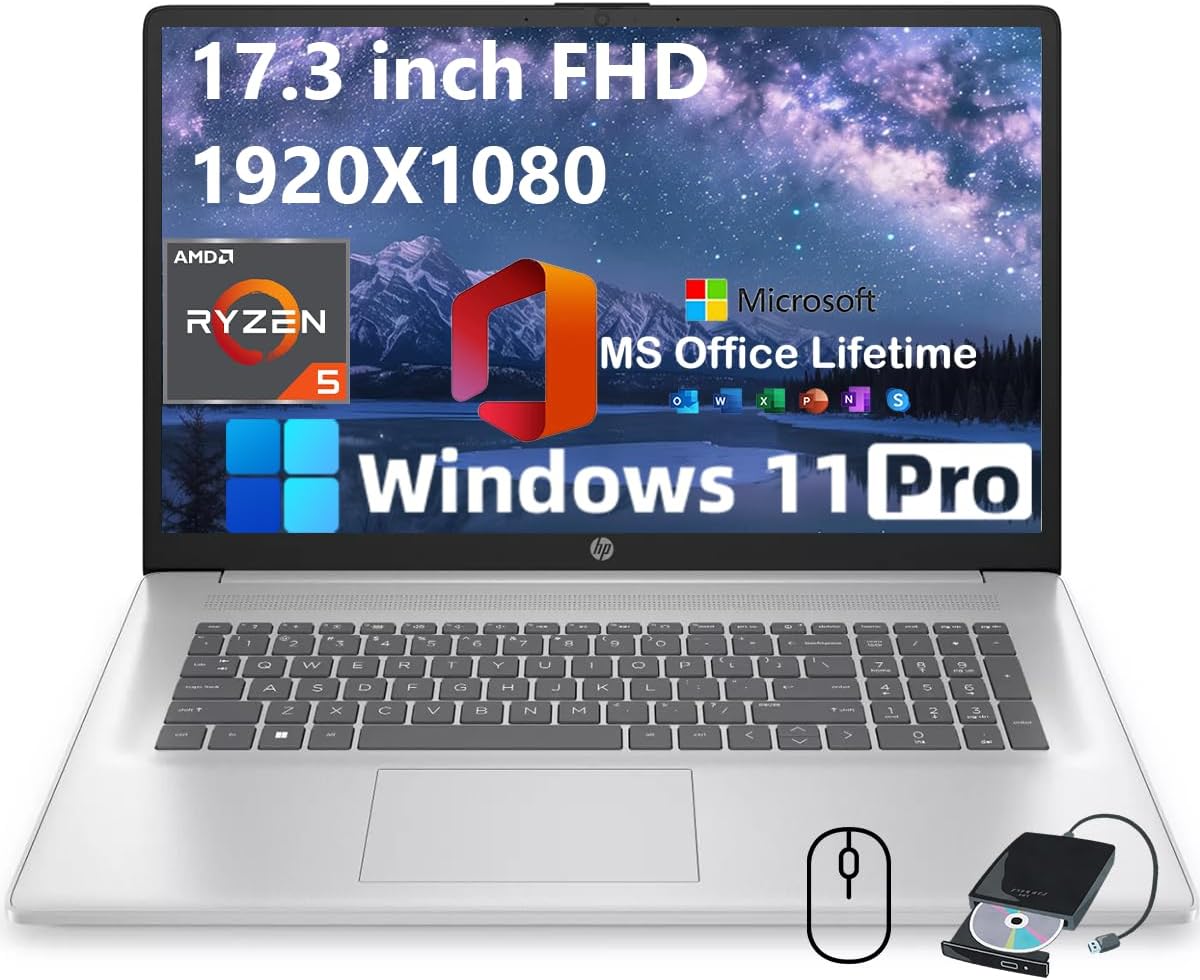



The HP 17.3" Business Laptop stands out as a top choice for users needing optical media support. It combines a powerful Ryzen 5 7430U processor with a generous 16GB of RAM to handle multitasking. The included external CD/DVD drive ensures you can read discs without additional dongles.
We may earn a commission when you buy through this link, at no additional cost to you.
Performance is a key strength here, thanks to the six-core CPU delivering smooth visuals for presentations and streaming. The 17.3-inch Full HD IPS display offers vibrant colors and reduced glare, making it comfortable for long work sessions. Pre-installed Windows 11 Pro adds security features suitable for business users.
While the external drive is a minor inconvenience compared to an internal slot, the bundle offers significant value. The lifetime Office license saves ongoing subscription costs. Battery life is decent but not exceptional, so keep the charger handy during extended travel.
This laptop is ideal for professionals and students who need a balance of performance and legacy media support. It handles office work, web browsing, and light creative tasks efficiently. If you need a reliable machine with optical capabilities, this HP model is a strong recommendation.
The bundle includes Microsoft Office Pro with a lifetime license, providing essential tools like Word, Excel, and PowerPoint immediately without extra fees.
The 17.3-inch IPS panel features anti-glare coating, ensuring clear visuals in various lighting conditions while reducing eye strain during extended use.
We may earn a commission when you buy through this link, at no additional cost to you.
The Lenovo 15.6" IdeaPad offers an affordable entry point for users requiring optical drive functionality. It features a 15.6-inch HD anti-glare display and comes with an external DVD player. This makes it a practical choice for basic home and school tasks.
We may earn a commission when you buy through this link, at no additional cost to you.
Its key strength lies in the value proposition, with a numeric keypad and SD card reader supporting data entry and storage. The AMD Athlon processor provides decent speed for web browsing and light applications. Windows 11 Home ensures a familiar interface for most users.
However, the 4GB RAM may limit multitasking with multiple heavy applications open simultaneously. The HD resolution is lower than Full HD, which might affect text clarity for some users. Still, for budget-conscious buyers, it delivers essential features.
Buy this laptop if you need a simple, cost-effective device for documents and web browsing. It suits students or home users who occasionally need to access DVDs. For heavier workloads, consider upgrading RAM if possible, but this model serves basic needs well.
A full-size keyboard with a dedicated numeric keypad improves typing efficiency for spreadsheets and data processing tasks.
The package includes a 3-in-1 accessory kit with storage expansion and cleaning tools, enhancing value beyond the base unit.
We may earn a commission when you buy through this link, at no additional cost to you.
The HP 17.3" Laptop Computer delivers premium specs for power users needing substantial memory and storage. With 32GB of RAM and a 1TB SSD, it excels at heavy multitasking and large file handling. The external DVD support ensures optical media access remains possible.
We may earn a commission when you buy through this link, at no additional cost to you.
The Intel Core i3-N305 processor provides robust performance for business and development tasks. Windows 11 Pro adds features like Hyper-V virtualization and BitLocker encryption for security. The high-speed SSD ensures quick boot times and application launches.
This model comes at a higher price point, justified by the generous hardware. However, the external drive is a consideration if you prefer internal slots. The build quality and connectivity options reflect its premium positioning.
Ideal for professionals managing complex projects or virtual machines, this laptop handles demanding workflows. It suits those prioritizing performance over portability. If you need high capacity and security features, this HP model is a compelling option.
Windows 11 Pro includes Hyper-V, allowing secure virtual machine usage for testing and development applications.
The 1TB SSD offers ample space for large files, ensuring you rarely worry about storage limits during daily work.
We may earn a commission when you buy through this link, at no additional cost to you.
This HP model offers strong performance tailored for business and student needs. It includes an external CD/DVD drive and a lifetime Office license, providing immediate productivity tools. The 17.3-inch display is ample for multitasking and media consumption.
We may earn a commission when you buy through this link, at no additional cost to you.
The Ryzen 5 7430U ensures smooth operation for gaming and computing tasks. A privacy shutter on the webcam adds security for video calls. The anti-glare coating improves usability in varied lighting environments.
Privacy and connectivity are well-handled, but the external drive remains a peripheral concern. The 250 nits brightness is adequate indoors but may struggle in bright settings. Still, the value is competitive for professionals.
Buy this if you need a versatile machine for daily tasks with optical access. It is great for those who prioritize security features and screen size. For outdoor use, consider external lighting or a different display option.
The HD 720p webcam includes a privacy shutter, allowing secure video calls without compromising personal space.
Wi-Fi 6 and Bluetooth 5.3 ensure fast and reliable wireless connections for all your online tasks.
We may earn a commission when you buy through this link, at no additional cost to you.
This HP laptop is designed for business professionals and students seeking reliable specs. It features an external DVD drive and lifetime Office license, enhancing productivity immediately. The 17-inch screen offers a comfortable workspace.
We may earn a commission when you buy through this link, at no additional cost to you.
The Ryzen 5 processor and 16GB RAM handle typical workloads efficiently. The numeric keypad supports data entry tasks common in business environments. Connectivity is robust with Wi-Fi 6 and Bluetooth 5.2.
While the external drive is an added tool, it lacks the convenience of an integrated slot. The screen brightness is adequate for indoor use but might be dim in sunlight. Overall, it balances cost and functionality.
Opt for this if you need a durable machine for office tasks. It suits professionals who value security and productivity features. If you often work in bright environments, check screen specs carefully.
The clean design and full numeric keypad are optimized for long-term productivity in office settings.
Lifetime Microsoft Office Pro ensures you have essential tools like Word and Excel without subscription costs.
We may earn a commission when you buy through this link, at no additional cost to you.
The HP 17 Laptop Computer is a versatile option for business and student use. It includes an external CD/DVD drive and lifetime Office license, making it ready for work out of the box. The large screen supports multitasking.
We may earn a commission when you buy through this link, at no additional cost to you.
The Ryzen 5 processor delivers smooth visuals for presentations and multimedia. The 17.3-inch display ensures vibrant visuals with anti-glare features. Connectivity options like USB-C and HDMI add flexibility.
A wireless mouse is included, offering extra value for mobile professionals. However, the external drive is a peripheral that requires power or ports. Battery life is average, so plan for charging during travel.
This model suits users needing a reliable, all-in-one bundle. It handles daily tasks well and supports legacy media. For professionals on the go, the included accessories add convenience.
The package includes a wireless mouse and external drive, offering extra value and an enhanced user experience.
The Full HD IPS display ensures vibrant and crisp visuals, reducing reflections with anti-glare coating.
We may earn a commission when you buy through this link, at no additional cost to you.
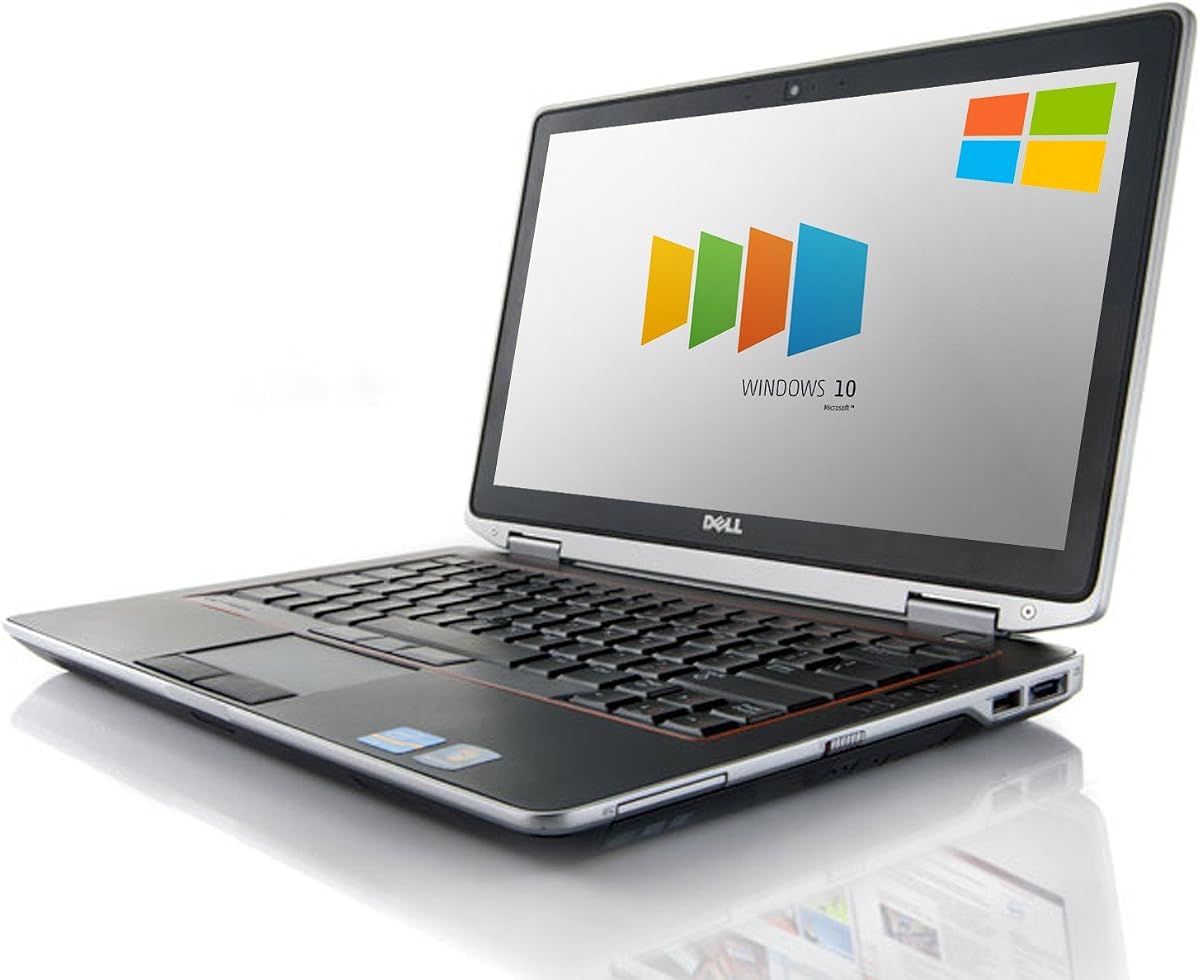
The Dell Latitude E6530 is a certified refurbished option featuring a built-in DVD drive. It offers legacy connectivity like VGA and HDMI alongside USB 3.0. This suits users needing physical media access without modern specs.
We may earn a commission when you buy through this link, at no additional cost to you.
The Intel Core i7-3520M processor delivers decent speed for light tasks. Windows 10 Pro is included, which may be familiar for business environments. The SSD ensures fast boot times.
Since it is renewed, it may show signs of wear. The older OS might require upgrades. Still, the internal drive is a significant advantage over external models.
Buy this for budget-conscious needs requiring internal optical drives. It suits legacy systems or basic office use. For modern software, ensure compatibility or plan for OS updates.
Unlike many modern laptops, this model includes a built-in DVD drive for direct optical media access.
The product is tested and certified to look and work like new with a limited warranty.
We may earn a commission when you buy through this link, at no additional cost to you.
The DELL Latitude D531 is an older model with a built-in DVD/CDRW drive. It features basic specs suitable for extremely light tasks or specific legacy needs. The internal drive is a key component.
We may earn a commission when you buy through this link, at no additional cost to you.
With only 2GB RAM and a small hard drive, modern multitasking is limited. Windows Vista is outdated and lacks security features. This makes it a niche option for collectors or specific hardware requirements.
The price is low, but performance is dated. It is not recommended for daily use. Still, the optical drive works for reading media.
Only consider this if you need a vintage machine. It suits hobbyists or very specific use cases. Avoid for modern productivity tasks.
The DVD/CDRW optical drive allows reading and burning of discs without external devices.
Includes built-in wireless adapter for basic internet access and data transfer.
We may earn a commission when you buy through this link, at no additional cost to you.
This Dell E6520 is a renewed business laptop with a built-in DVD drive. It offers standard connectivity like HDMI and VGA for external monitors. The 8GB RAM supports basic productivity.
We may earn a commission when you buy through this link, at no additional cost to you.
The Core i7-2620M provides sufficient speed for office tasks. A 500GB HDD gives ample storage but slower boot times than SSDs. Windows 10 Pro includes security features.
As a renewed product, it may show wear. The drive is a key benefit for media access. Performance is adequate for older workflows.
Suitable for budget users needing internal optical access. It serves well for legacy apps. For speed, consider SSD upgrades or newer models.
Certified refurbished products are tested to look and work like new with minimal signs of wear.
Built-in DVD drive allows reading discs without extra hardware or dongles.
We may earn a commission when you buy through this link, at no additional cost to you.
The Lenovo IdeaPad 15.6" is a compact option with a built-in DVD RW drive. It features an SSD for faster access than traditional drives. This model balances portability and optical access.
We may earn a commission when you buy through this link, at no additional cost to you.
The AMD processor provides basic performance for light computing. Windows 10 is pre-installed. The compact size makes it easier to carry.
The 4GB RAM limits heavy multitasking. However, for occasional use, it serves well. The built-in drive is a major plus.
Ideal for users needing a small, portable device with media support. It is affordable and functional. Avoid for intensive workloads.
The 15.6-inch HD display offers a balance of portability and screen real estate for basic tasks.
A 128GB SSD ensures faster system responsiveness compared to traditional hard drives.
We may earn a commission when you buy through this link, at no additional cost to you.
Selecting a laptop with optical drive support requires balancing performance with legacy media access. Modern devices rarely include built-in drives, so external bundles or older models are key considerations.
Modern processors like Ryzen 5 or Core i3 handle multitasking well. For heavy tasks, look for 6 cores or more. This ensures the laptop runs smoothly alongside optical drives.
At least 8GB of RAM is recommended for smooth operation. SSDs improve boot times compared to traditional drives. More storage allows for larger file management without external drives.
Larger screens like 17.3 inches help with productivity. Full HD resolution ensures text is sharp. Anti-glare coatings reduce eye strain in varied lighting.
USB-C and USB-A ports are essential for peripherals. Wi-Fi 6 supports fast internet. HDMI and VGA allow external monitor connections.
Internal drives are convenient but rare. External drives offer portability but need power. Check if the laptop supports CD burners or just reading.
Windows 11 Pro offers security and features. Some models still use Windows 10. Ensure the OS supports your software needs.
Look for models lasting 6 hours or more. External drives may drain battery faster. Consider portable power options for travel.
Refurbished units can be affordable. Check warranty terms. Bundles with Office add value for businesses.
When using an external DVD drive, ensure it connects to a powered USB port. This prevents power issues during operation. Always eject discs safely via the software to avoid data corruption.
Keep the drive and laptop vents clear of dust. Clean the optical lens with a soft cloth if reading issues arise. Store drives in protective cases to prevent scratches during travel.
Regularly update your OS and drivers for compatibility. Check for firmware updates for the optical drive. Monitor system health to maintain performance over time.
Most modern laptops do not include built-in DVD drives. To access optical media, you need an external USB drive. Some refurbished business models still offer internal drives.
Yes, you can install software from a DVD on Windows 11. Ensure the software is compatible with the OS. Use an external drive if your laptop lacks an internal one.
Try connecting the drive to a different USB port. Check if it requires additional power. Update the drivers or reboot your laptop to resolve connection issues.
It can be worth it if you need optical media access. Refurbished models often come with warranties. Check the condition and specs before purchasing.
Many of these laptops support DVD burning via external drives. Ensure the drive is labeled as RW. Use burning software compatible with your OS.
You typically need a USB port for an external drive. USB-A or USB-C works depending on the drive. Some may require USB 3.0 for faster speeds.
Windows often recognizes external drives automatically. If issues occur, install the specific driver. Check the manufacturer website for updates.
Windows 11 may require a media player for DVD playback. Install apps like VLC to view video discs. Ensure your external drive is connected.
The HP 17.3" Business Laptop leads our list with strong performance and Office inclusion. It suits professionals needing a balance of modern features and legacy support. The Lenovo IdeaPad offers a budget-friendly alternative for basic tasks.
Prioritize RAM and storage for future-proofing your device. An external drive can be a cost-effective choice. Ensure the laptop meets your daily workflow needs.
Always check current prices and warranty details before purchasing. Supply changes frequently, so verify availability. With these options, finding a laptop with DVD drive support is achievable.