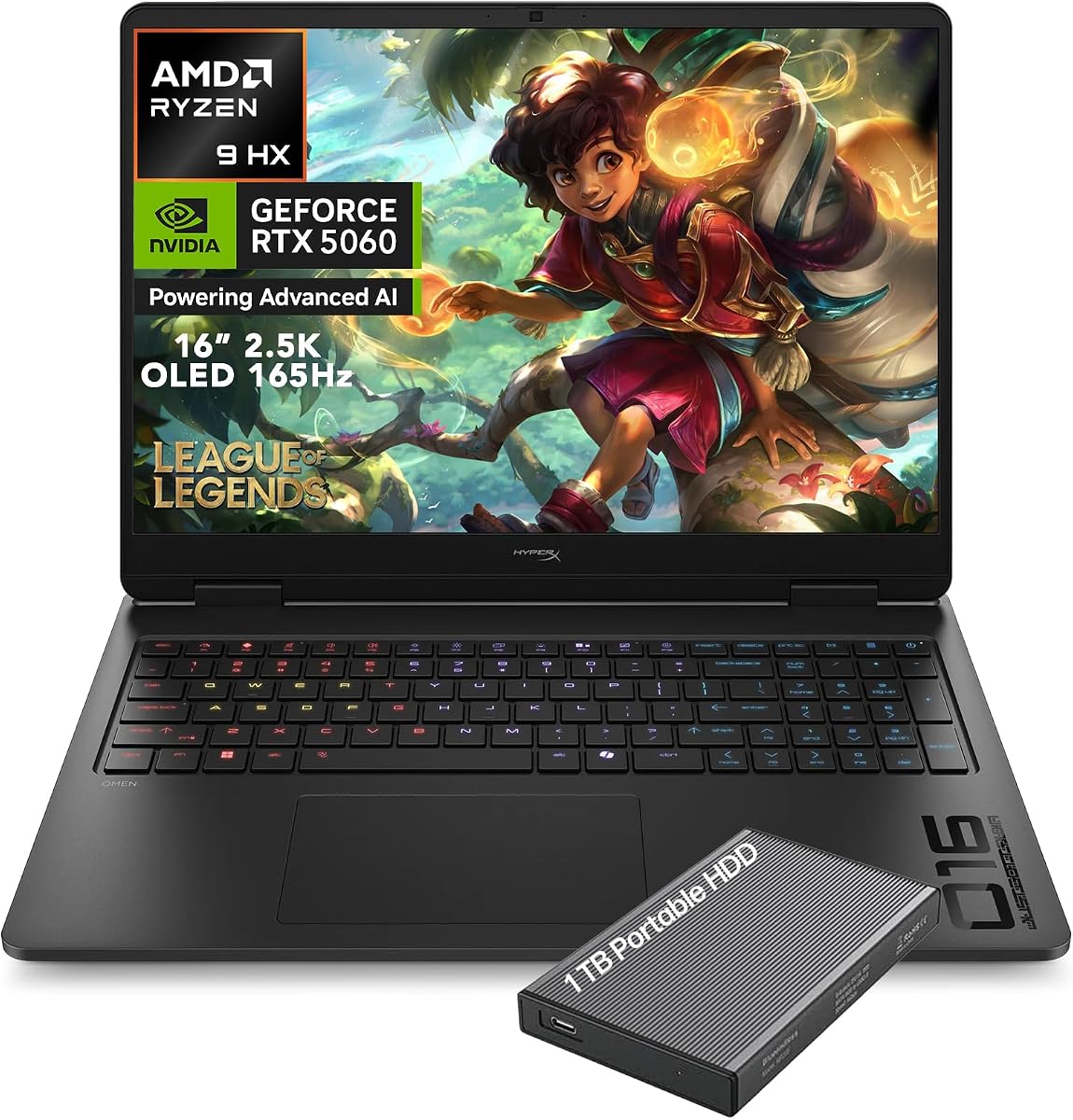
HP HyperX OMEN Gaming Laptop 2026
5.0Editor score
Ryzen 9 8940HX Processor
165Hz 2.5K OLED Display
16GB DDR5 RAM
Finding the right gaming laptop means balancing raw power with visual fidelity. OLED displays deliver unmatched contrast and color depth, making them ideal for immersive gaming experiences. This selection focuses on machines that combine high refresh rates with the vibrant blacks unique to OLED technology.
We evaluated these models based on processor speed, graphics capability, and display quality. Each entry offers a distinct blend of features tailored to different user needs. From budget-friendly options to premium configurations, the list covers a wide range of performance tiers for serious gamers.
Every product review highlights key strengths and potential trade-offs to help you decide. Note that specifications and availability can change frequently. Always verify current details before purchasing to ensure you get the exact configuration you need for your setup.
5.0Editor score

5.0Editor score
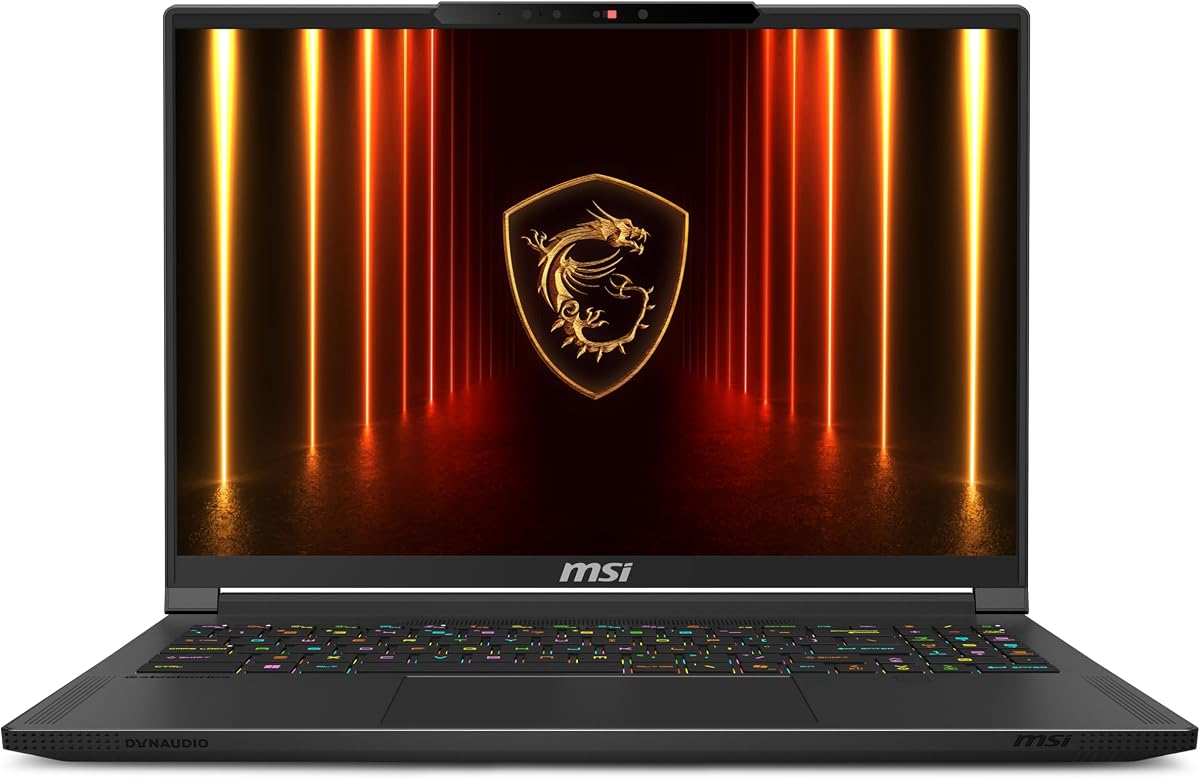
4.7Editor score
As an Amazon Associate we earn from qualifying purchases.
The following table provides a side-by-side overview of all ten models included in this guide. Compare key specifications like processor, graphics card, and display refresh rate to find the best fit for your budget and gaming needs.


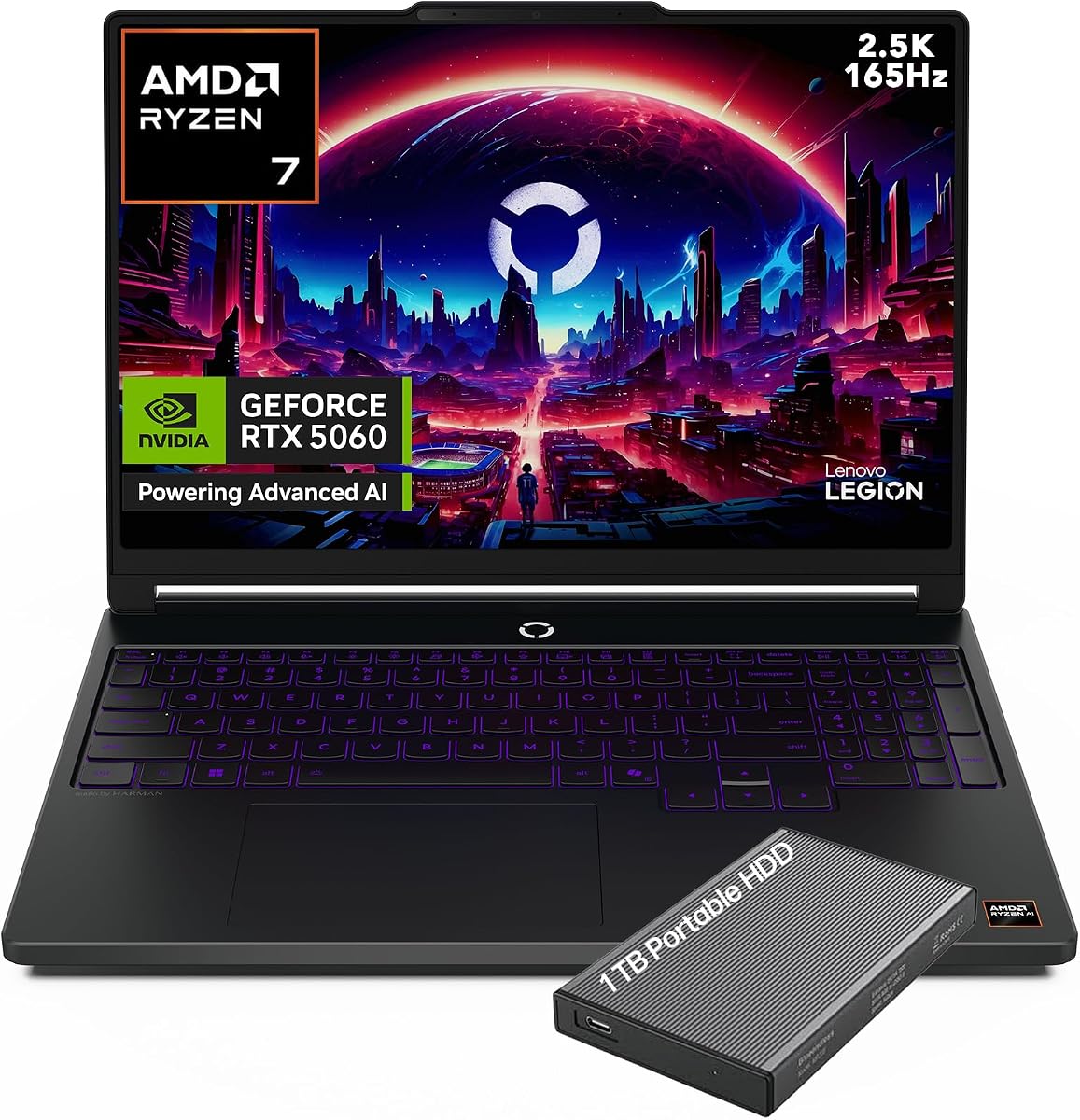
This model earns our Editor's Choice due to its exceptional balance of display quality and raw power. The OLED screen provides deep blacks and vibrant colors that make games look incredible. It comes with a high amount of RAM and a powerful processor to handle any task.
We may earn a commission when you buy through this link, at no additional cost to you.
The AMD Ryzen 7 250 processor brings significant AI capabilities to the table. This helps with background tasks and creative applications alongside gaming. The RTX 5060 graphics card ensures smooth gameplay at high settings. The 165Hz refresh rate eliminates motion blur effectively.
While the performance is top-notch, the weight might be a consideration for commuters. The battery life is decent for productivity but drains faster during intense sessions. These trade-offs are standard for high-performance gaming machines in this class today.
It is perfect for gamers who want a stunning display without compromising on speed. The included drive is a nice bonus for immediate storage expansion. We recommend this for users who prioritize visual fidelity and multitasking performance.
The OLED panel supports HDR True Black 1000 for incredible contrast ratios in dark scenes.
Integrated Ryzen AI provides dedicated processing power for neural network tasks.
We may earn a commission when you buy through this link, at no additional cost to you.
This laptop stands out with an Intel Core i9 processor and RTX 5070 graphics. It is built for users who need maximum processing power for heavy workloads. The display offers a crisp experience with high resolution and smooth motion.
We may earn a commission when you buy through this link, at no additional cost to you.
The combination of 32GB RAM and a fast SSD means multitasking is seamless. Gaming performance benefits from the latest architecture in the graphics card. It handles demanding titles with ease and provides plenty of headroom for future software.
Thermal management can be a concern when pushing the system to its limits. The premium features come with a higher cost compared to other options. However, the raw speed justifies the investment for professional and enthusiast users.
Ideal for power users who demand the best available components. The compact design makes it easier to transport than larger alternatives. Ensure your workflow benefits from the extra speed to justify the cost.
The 14th Gen Intel i9 offers multi-core performance for complex simulations.
RTX 5070 supports ray tracing and AI upscaling for realistic visuals.
We may earn a commission when you buy through this link, at no additional cost to you.
This model brings OLED technology to a more accessible price point. It retains the powerful Ryzen processor and graphics card for great performance. The display delivers excellent visuals without the premium price tag of top-tier laptops.
We may earn a commission when you buy through this link, at no additional cost to you.
The inclusion of an external drive helps manage large game files easily. Wi-Fi 7 ensures you stay connected with low latency. The overall design is sturdy and ready for daily use in various environments.
While it has less RAM than some competitors, 16GB is sufficient for most games. The RGB lighting is functional but not as advanced as higher-end models. These choices help keep the cost down for budget-conscious buyers.
Great for students or casual gamers who want a beautiful screen. It offers the best entry point into the OLED gaming laptop market. You get most of the benefits of premium devices for less money.
Pricing strategy allows more users to access high contrast OLED screens.
The external drive adds immediate space for media and game libraries.
We may earn a commission when you buy through this link, at no additional cost to you.
The Legion 5i focuses on mobility and ease of use for students. It includes a three-month game pass which adds immediate value. The design is thinner than previous generations making it easier to carry to class.
We may earn a commission when you buy through this link, at no additional cost to you.
The cooling system keeps noise levels low during lectures or quiet work. The fast charging technology means you can power up quickly between classes. The display provides high fidelity visuals for both work and play.
The trial for the game pass is short but provides a good start. You might need to upgrade RAM later if you run heavy virtual machines. These limitations are reasonable for a portable and versatile device.
Students who need a balance of work and play will love this. The game pass gives instant access to a library of titles. It is a solid choice for those who move around campus frequently.
Optimized chassis reduces weight without sacrificing thermal performance.
Game pass subscription unlocks hundreds of titles immediately upon setup.
We may earn a commission when you buy through this link, at no additional cost to you.
This laptop is a powerhouse with the highest refresh rate and top specs. It is designed for users who want the absolute best screen and performance. The 240Hz OLED panel is incredibly smooth for fast-paced competitive games.
We may earn a commission when you buy through this link, at no additional cost to you.
The RTX 5070Ti delivers exceptional frame rates at high resolutions. Windows 11 Pro provides features useful for professional workflows and security. The storage capacity ensures you never need to worry about running out of space.
The price reflects the premium components and cutting edge technology inside. Battery life is decent but will vary depending on usage intensity. This is a machine built for desktop replacement performance in a thin chassis.
Enthusiasts and professionals who demand top tier tools should consider this. The combination of speed and visual quality is unmatched in this guide. It represents the peak of current mobile gaming technology available now.
240Hz refresh rate provides fluid motion for competitive esports titles.
Windows 11 Pro offers enhanced security and management features.
We may earn a commission when you buy through this link, at no additional cost to you.
This variant uses Intel's latest Core Ultra processor for enhanced efficiency. It matches the high refresh rate display of its AMD counterpart. The performance is geared towards creative professionals and heavy gamers alike.
We may earn a commission when you buy through this link, at no additional cost to you.
The graphics card handles rendering and gaming tasks with equal ease. Wi-Fi 7 ensures fast data transfer for large files and updates. The sleek design fits well in both office and home environments.
Thermal management requires attention during long gaming sessions. The premium price point might be a barrier for some buyers. However, the performance and features offer a strong return on investment for pros.
Recommended for users who prefer Intel architecture in their workflow. It brings professional tools to a gaming chassis. Ensure your applications benefit from the specific CPU optimizations before buying.
Intel Core Ultra integrates dedicated NPU for local AI processing.
Supports latest wireless standards for fast and stable connections.
We may earn a commission when you buy through this link, at no additional cost to you.
The 2026 model continues the legacy of reliable gaming hardware. It maintains strong performance with a solid amount of memory. The OLED screen ensures every game looks vivid and clear during play.
We may earn a commission when you buy through this link, at no additional cost to you.
Build quality is robust enough for daily use and travel. The cooling system keeps the laptop stable under stress. It is a straightforward choice for those who want consistent results.
Battery life is average for this type of performance level. The webcam is functional but not top tier for streaming. These are minor points in a machine focused on gaming and productivity.
Good for anyone looking for a dependable machine for school or work. The high memory helps with long-term usability. We trust this model for daily heavy tasks without issues.
Consistent clock speeds ensure smooth multitasking over time.
OLED panel delivers accurate colors for creative and gaming use.
We may earn a commission when you buy through this link, at no additional cost to you.
This laptop integrates HyperX audio for an immersive sound experience. The cooling technology is designed to reduce dust buildup over time. It delivers solid performance with a high-end processor for multitasking.
We may earn a commission when you buy through this link, at no additional cost to you.
The self-cleaning fans help maintain performance over the long term. The display is responsive and offers great contrast. It is a great option for those who value sound quality.
Upgrading the RAM might be necessary for heavy multitaskers. The weight makes it less portable than some competitors. These factors are acceptable given the audio and thermal benefits.
Gamers who prioritize audio will enjoy this system deeply. It is a strong choice for home setups or dorms. Check your audio needs before making a final decision.
HyperX speakers provide deep bass and clear sound without headphones.
Self-cleaning tech keeps airflow clear for consistent cooling.
We may earn a commission when you buy through this link, at no additional cost to you.
This model features a high brightness OLED panel for vibrant visuals. The RGB keyboard offers extensive customization for your setup. It comes with a bundle that provides ample storage for games.
We may earn a commission when you buy through this link, at no additional cost to you.
The processor is one of the fastest available for mobile systems. Wi-Fi 7 ensures you stay connected with minimal lag. The display stands out with 1000 nits of peak brightness.
Managing the lighting zones can take some time to perfect. The cost is higher but matches the premium features provided. It is a comprehensive package for enthusiasts who want extras.
Perfect for users who want a fully loaded gaming station. The storage bundle saves money on separate drives. Consider the lighting features when evaluating the total package value.
1000 nits brightness makes colors pop even in bright rooms.
24-Zone RGB lets you create unique lighting effects per zone.
We may earn a commission when you buy through this link, at no additional cost to you.
This version focuses on a slim profile and precision input. The keyboard design enhances control for intense gaming sessions. It maintains the high display quality expected from the brand.
We may earn a commission when you buy through this link, at no additional cost to you.
Fast charging ensures you get power quickly when on the go. The cooling system keeps the laptop running smoothly during use. Connectivity options are robust for all modern peripherals.
The keyboard lacks multi-zone RGB but offers excellent tactile feel. Battery life is average but supports fast charging well. These are minor compromises for a portable gaming solution.
Travelers and students will appreciate the reduced weight. The keyboard provides great feedback for typing and gaming. Choose this if portability is a primary concern for you.
TrueStrike keyboard delivers accurate and comfortable key travel.
Slim chassis makes it easier to fit in backpacks for transport.
We may earn a commission when you buy through this link, at no additional cost to you.
Selecting the right laptop requires understanding how key components interact with OLED technology. This section breaks down the most important factors to consider before making your purchase.
Modern gaming relies heavily on both CPU and GPU speed. Look for Intel Core i7 or i9 processors or AMD Ryzen 7 or 9 chips to ensure smooth gameplay and future proofing.
Prioritize processors with high clock speeds and multi-core capabilities for better multitasking and AI performance.
The GPU determines how well games run at high settings and resolutions. NVIDIA RTX 5060 to 5070Ti models offer excellent performance for 1080p and 1440p gaming.
Ensure the card supports the latest features like ray tracing and DLSS for the best visual experience.
OLED panels offer fast response times but refresh rates vary. Aim for 165Hz or higher for competitive gaming to reduce motion blur and screen tearing.
Higher refresh rates provide smoother visuals and a more immersive experience during action sequences.
At least 16GB of RAM is recommended for modern gaming. 32GB is preferable for streaming or heavy creative workloads. Storage should be a fast NVMe SSD for quick loading times.
Upgradable RAM slots allow you to increase capacity later if your needs change.
OLED laptops can run hot due to powerful components. Look for models with advanced cooling systems like liquid metal or dual fans.
Good cooling ensures sustained performance without thermal throttling during long gaming sessions.
Wi-Fi 7 support ensures the fastest wireless speeds. Check for USB-C with power delivery and HDMI 2.1 for external monitor support.
Having a variety of ports helps you connect all your peripherals without needing adapters.
Gaming laptops generally have shorter battery life than standard ones. Look for larger capacity cells around 80Wh and fast charging support.
Manage expectations as heavy gaming will drain the battery quickly regardless of the size.
OLED screens offer excellent color accuracy and contrast. Check for 100% DCI-P3 coverage and high brightness levels for visibility in bright rooms.
Higher brightness ensures the display is usable during daytime gaming without a glare.
To preserve the screen quality, enable dark modes and adaptive brightness in Windows settings. This reduces the risk of burn-in and extends the lifespan of the panel.
Keep the laptop clean by using compressed air to remove dust from the vents. Regular cleaning ensures the cooling fans function properly and prevents overheating.
Avoid leaving static images on the screen for too long. Use a screensaver or let the system sleep after periods of inactivity to maintain display health.
Modern OLED displays have built-in protections like pixel shifting and screen savers that minimize burn-in. However, it is still best to avoid leaving static images on the screen for extended periods to ensure long-term quality.
OLED panels are generally capable of higher peak brightness than many LCDs. Look for DisplayHDR True Black certification to ensure high brightness and deep blacks for an immersive experience.
16GB is the standard for most titles but 32GB is recommended for heavy multitasking or future proofing. DDR5 RAM offers faster speeds which can improve frame rates in CPU bound games.
Yes, Wi-Fi 7 provides significantly lower latency and higher speeds for wireless gaming. This reduces lag and connection issues which is crucial for competitive online play.
Battery life during gaming is typically short due to high power consumption. Most users need to plug in during intense sessions but fast charging helps when you are away from an outlet.
Many gaming laptops include extra M.2 slots for storage expansion. Check the specific model specs before buying to confirm if you can add more drives easily.
The models listed here offer a mix of power and visual excellence for every type of user. Whether you choose the HP HyperX OMEN for value or the MSI A16 for premium features there is a perfect fit.
Prioritize your specific needs such as screen size, battery life, and processing power. Ensure you balance raw specs with portability if you plan to travel with your machine often.
Always verify the latest availability before making a purchase to get the best deal. Check current listings regularly as stock and offers change frequently throughout the year.