
Acer Nitro KG271U
4.5Editor score
0.5ms GTG Response
95% DCI-P3 Color
AMD FreeSync Support
Zero-Frame Design
Finding the right display can transform your gaming setup into a competitive advantage. A 27 Inch WQHD 1440p Gaming Monitor offers the perfect balance between screen real estate and sharp pixel density for immersive titles.
We evaluated ten leading models based on refresh rates, panel technology, and connectivity options. Our analysis focuses on how each screen handles fast motion, color accuracy, and ergonomic adjustments during long sessions.
Each pick highlights specific strengths like adaptive sync support or HDR performance. Please note that pricing fluctuates frequently so verify current deals before making your final purchase decision today.
4.5Editor score

4.6Editor score

4.6Editor score
As an Amazon Associate we earn from qualifying purchases.
This side-by-side comparison highlights the core specifications of each monitor including panel type, refresh rate limits, and connectivity options to help you decide quickly.


The Acer Nitro KG271U delivers stunning visual quality with its 27-inch QHD resolution and fast IPS panel. It holds a 4.5 star rating from users who praise its vibrant colors and sharp details.
We may earn a commission when you buy through this link, at no additional cost to you.
Its 0.5ms GTG response time ensures smooth motion during fast-paced games while the 180Hz refresh rate keeps frames fluid. The support for 95% DCI-P3 makes it great for creative work too.
While the stand does not offer height adjustment which limits ergonomic customization the zero-frame design maximizes screen real estate for multi-monitor setups. These trade-offs are minor given the affordable price point.
Gamers looking for a balance of speed and visual fidelity will find this monitor an excellent entry point. We highly recommend it for those wanting high refresh rates without breaking the bank.
The monitor supports 95% DCI-P3 color space which is ideal for graphic designers needing precise color representation alongside gaming.
With AMD FreeSync technology enabled screen tearing is eliminated providing a seamless viewing experience across varying frame rates.
We may earn a commission when you buy through this link, at no additional cost to you.
This ASUS monitor stands out with ELMB Sync technology which allows simultaneous use of motion blur reduction and variable refresh rates. It earns a 4.6 star rating for its robust feature set.
We may earn a commission when you buy through this link, at no additional cost to you.
The Fast IPS panel delivers quick response times and wide viewing angles making it suitable for competitive shooters and cinematic experiences alike. The inclusion of built-in speakers adds convenience.
While HDR support is limited to HDR10 it still enhances contrast in supported content. The included Adobe Creative Cloud subscription offers added value for content creators using the display.
It is an ideal choice for gamers who demand reliability and advanced synchronization features. The blend of performance and extra utilities makes it a top contender in its class.
ELMB Sync technology bridges the gap between motion clarity and variable refresh rates for smoother gameplay without artifacts.
A complimentary three-month Adobe Creative Cloud subscription is included enhancing the value proposition for creative professionals.
We may earn a commission when you buy through this link, at no additional cost to you.
The Acer Nitro XV271U focuses heavily on user comfort with a stand that supports height tilt swivel and pivot adjustments. It maintains a 4.5 star rating for its versatile setup options.
We may earn a commission when you buy through this link, at no additional cost to you.
Using Display Port you can access the full 180Hz refresh rate while HDMI caps at 144Hz. The 1ms response time ensures that fast movements remain clear during intense gaming sessions.
The stand is fully ergonomic allowing you to find a perfect viewing angle for long periods. Some users might find the menu system basic but it gets the job done efficiently.
If posture and adjustability are priorities for your setup this model offers significant advantages. It is a solid pick for those who spend many hours in front of the screen.
The stand supports height tilt swivel and pivot adjustments to accommodate any seating position or monitor arrangement.
Display Port connection unlocks the 180Hz refresh rate ensuring maximum performance for compatible graphics cards.
We may earn a commission when you buy through this link, at no additional cost to you.
Samsung Odyssey G5 offers a highly rated display with a 4.7 star rating focusing on immersive gameplay through its curved design. It delivers sharp images with high pixel density for detailed visuals.
We may earn a commission when you buy through this link, at no additional cost to you.
The 180Hz refresh rate minimizes lag while the 1ms response time ensures sharp transitions during action sequences. Black Equalizer technology helps locate enemies in dark game environments easily.
Some gamers prefer flat screens for productivity work but the curve adds immersion for titles. The stand allows for tilt pivot and height adjustments to optimize your viewing posture comfortably.
This monitor is perfect for those who enjoy immersive single-player games or sim racing. The combination of speed and visual depth makes it a standout choice for many.
Black Equalizer adjusts dark areas so you can spot enemies hiding in shadows without affecting overall image brightness.
The curved screen design wraps around your field of view to increase immersion during gaming sessions.
We may earn a commission when you buy through this link, at no additional cost to you.
SANSUI offers a compelling option with a 200Hz refresh rate that is rare in this price range. It has received a 4.4 star rating for its ability to deliver smooth motion in competitive games.
We may earn a commission when you buy through this link, at no additional cost to you.
The IPS panel provides 120% sRGB coverage ensuring rich color reproduction for both gaming and content consumption. Low blue light and anti-flicker technologies help reduce eye strain during use.
The stand offers tilt adjustment but lacks height control which might be a drawback for some users. However the included game assistant features like crosshair overlays provide utility for FPS players.
This monitor is a great choice for budget-conscious gamers who need high refresh rates. The inclusion of technical support and warranty services adds confidence to the purchase.
Adaptive sync technology allows the monitor to reach up to 200Hz for incredibly smooth visual output during fast action.
Anti-flicker and low blue light technologies are built in to reduce strain during long gaming sessions.
We may earn a commission when you buy through this link, at no additional cost to you.
This SANSUI model distinguishes itself with a stand that allows for vertical pivot and horizontal swivel. It holds a 4.4 star rating for its versatility in different workspace configurations.
We may earn a commission when you buy through this link, at no additional cost to you.
The display offers 400Nits brightness and 10bits color depth for vibrant visuals. Connectivity is robust with multiple DP and HDMI ports to support your devices effectively.
The ability to rotate the screen is useful for coding or reading text documents. While HDMI is limited to 144Hz Display Port unlocks the full 200Hz for gaming performance.
Gamers and professionals who need a flexible screen orientation will appreciate this monitor. The lifetime technical support adds significant value to this purchase option.
The stand allows you to pivot the screen vertically for coding or reading large documents without distortion.
With 400Nits brightness the screen remains visible even in well-lit rooms without losing contrast details.
We may earn a commission when you buy through this link, at no additional cost to you.
KOORUI focuses on a modern minimalistic design with an ultra-thin body. While rating data is not available it promises high performance with 200Hz refresh rates and DCI-P3 colors.
We may earn a commission when you buy through this link, at no additional cost to you.
The HDR400 certification adds depth to supported content. You can connect various devices via HDMI and Display ports for both office and entertainment purposes seamlessly.
The stand only allows tilt adjustment which might restrict ergonomic setups. However the 3-year warranty provides peace of mind regarding quality and service for long term use.
This monitor fits well in setups where aesthetics are a priority. It delivers solid performance for gaming while keeping the desk area clean and uncluttered visually.
The ultra-thin body design blends seamlessly into any setup for a clean and modern look.
With 95% DCI-P3 color gamut the display ensures vibrant and consistent colors from any angle.
We may earn a commission when you buy through this link, at no additional cost to you.
The Acer Nitro EDA270U brings a curved screen to budget gamers with a 1500R curvature rating. It maintains a 4.4 star rating for its immersive feel and smooth gaming experience.
We may earn a commission when you buy through this link, at no additional cost to you.
The 180Hz refresh rate ensures fluid motion while FreeSync Premium reduces screen tearing during gameplay. Built-in speakers provide convenient audio output without extra peripherals on your desk.
While the zero-frame design looks sleek the curvature is polarizing for some users who prefer flat screens. It remains a strong choice for those wanting a curve without a high price tag.
This model is well suited for casual gamers who want an immersive experience. The mix of features and affordability makes it a compelling option for many households.
Built-in speakers provide convenient sound output so you do not need external speakers immediately.
The 1500R curvature wraps around your view for a more engaging gaming environment.
We may earn a commission when you buy through this link, at no additional cost to you.
This ASUS model is designed for professional gamers needing high speed and precision. It holds a 4.6 star rating for its reliable performance in competitive environments.
We may earn a commission when you buy through this link, at no additional cost to you.
The monitor can overclock to 170Hz and uses ELMB Sync to eliminate ghosting. G-Sync Compatibility ensures smooth gameplay with NVIDIA GPUs without screen tearing during intense moments.
The premium price reflects the advanced features like HDR400 support and Adobe Creative Cloud access. While HDMI does not support the overclock it is manageable for most setups.
For serious gamers willing to invest in performance this is a top tier choice. The combination of speed and advanced sync features makes it ideal for esports titles.
Compatible with NVIDIA G-Sync to provide smooth gameplay and eliminate tearing on compatible hardware.
Includes complimentary access to Adobe Creative Cloud for three months with purchase of this monitor.
We may earn a commission when you buy through this link, at no additional cost to you.
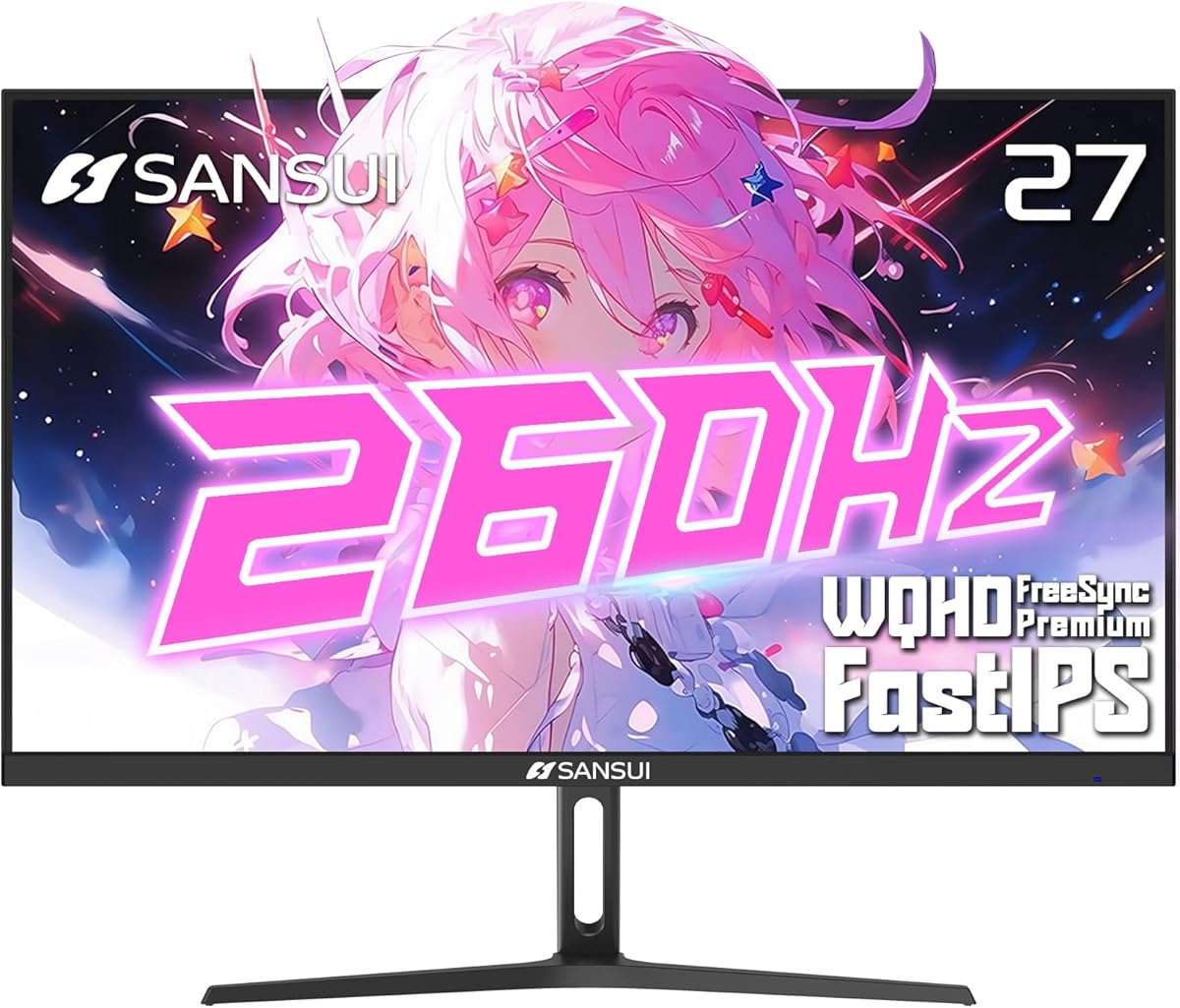
The SANSUI 260Hz Monitor offers an exceptionally high refresh rate for competitive gamers. It has received a 4.4 star rating for its ability to deliver ultra-smooth motion in fast-paced titles.
We may earn a commission when you buy through this link, at no additional cost to you.
With 98% DCI-P3 coverage and 10bits color depth the visuals remain vibrant and detailed. The built-in crosshair tool aids precision in shooters without needing external software overlays.
Achieving 260Hz requires a powerful graphics card so ensure your PC can handle it. The stand is simple but allows enough tilt for most desk setups and VESA mounting options.
This is the ultimate pick for speed-focused gamers who want the highest possible refresh rate. The combination of speed and color quality makes it a unique offering in the market.
The 260Hz refresh rate provides incredibly smooth motion for competitive gaming and reduces motion blur.
Built-in crosshair assistant helps improve accuracy in games without relying on external overlays.
We may earn a commission when you buy through this link, at no additional cost to you.
Selecting the right monitor involves evaluating several key technical factors that impact your gaming experience and daily comfort.
Refresh rate determines how many frames per second the screen can display while response time measures how quickly pixels change color. Higher refresh rates like 180Hz or 260Hz are ideal for competitive gaming to ensure smooth motion. A low response time of 1ms prevents ghosting and blurring during fast action scenes.
Look for refresh rates of at least 144Hz and response times of 1ms or less for competitive gaming.
IPS panels offer the best color accuracy and viewing angles making them suitable for both gaming and creative work. Fast IPS panels enhance response times without sacrificing color quality. Ensure the monitor covers a wide color gamut such as 95% DCI-P3 or 120% sRGB for vibrant images.
Choose IPS panels for better color and viewing angles especially if you do creative work alongside gaming.
Adaptive sync prevents screen tearing by matching the monitor refresh rate to the graphics card output. AMD FreeSync and NVIDIA G-Sync Compatible are the most common options. G-Sync Compatible is widely supported but FreeSync is often more affordable.
Select a monitor with Adaptive Sync technology that matches your graphics card brand for the smoothest experience.
Check the available ports to ensure compatibility with your setup. Display Port is generally required for higher refresh rates while HDMI supports most devices. Having multiple inputs allows you to connect a console and a PC simultaneously without constant cable swapping.
Ensure your monitor has Display Port 1.4 for high refresh rates and HDMI 2.0 for broad compatibility.
An ergonomic stand can improve your posture and reduce strain during long sessions. Look for stands that offer height adjustment tilt swivel and pivot capabilities. Some models include VESA mount compatibility which allows you to attach the screen to an arm for better positioning.
Prioritize stands with height and tilt adjustments for comfort or check for VESA mounting flexibility.
High Dynamic Range support enhances contrast and brightness in supported content. While basic HDR like HDR10 or HDR400 provides some improvement true HDR requires higher brightness levels. Additional features like black equalizers can help see details in dark game scenes.
Consider HDR support if you watch movies but know it is secondary to refresh rate for gaming.
A reliable warranty ensures you are protected against defects. Many brands offer one to three-year coverage and some include lifetime technical support. Check if they offer dead pixel policies which can save you from receiving a faulty unit.
Choose brands with strong warranty terms and good customer support to protect your investment.
WQHD 1440p offers a sharp image that balances performance and visual quality. On a 27-inch screen it provides high pixel density without requiring extreme graphics power. This resolution is ideal for competitive gaming where clarity and performance are both important.
Stick with 1440p resolution for the best balance of clarity and performance on 27-inch screens.
Connect the monitor using the recommended cable for your desired refresh rate and set your graphics card output to match the resolution and refresh rate in system settings.
Adjust the brightness and contrast settings to match your room lighting to prevent eye strain and ensure the colors remain consistent across different environments.
Clean the screen gently with a microfiber cloth and avoid using harsh chemicals that could damage the coating or the panel surface over time.
Yes 1440p provides significantly sharper images and more screen real estate which enhances immersion. It balances better with modern GPUs than 4K while offering superior detail compared to 1080p.
While high refresh rates benefit from powerful GPUs many models work well with mid-range cards at lower settings. A GPU capable of 60+ FPS at 1440p is recommended for a smooth experience.
A higher refresh rate like 180Hz or 260Hz reduces motion blur and makes action feel smoother. This gives competitive players a visual edge in fast-paced multiplayer games.
Curved monitors offer more immersion by wrapping the view around you which suits single-player games. Flat screens are often preferred for productivity and competitive shooters where consistent geometry matters.
Yes many models have high color accuracy and wide color gamuts suitable for design and photo editing. The QHD resolution provides ample space for toolbars and timelines.
Most monitors include both HDMI and Display Port inputs allowing you to connect multiple devices like a PC and console. Switching between them is usually done via on-screen menu controls.
Adaptive Sync synchronizes the monitor refresh rate with your graphics card to eliminate screen tearing. This ensures smooth gameplay when frame rates fluctuate during intense gaming moments.
HDR adds depth and contrast but requires high brightness to be truly effective. Basic HDR is a bonus but should not be the primary reason for purchasing over refresh rate and color.
Our top picks highlight the variety available in the current market from budget-friendly options to premium competitive models. The ASUS TUF VG27AQ3A stands out for its balanced features while the Acer Nitro KG271U offers exceptional value.
When making your decision prioritize features like refresh rate and response time if you play competitive games. For a mix of gaming and work color accuracy and ergonomics should take precedence in your selection process.
Prices and stock levels change frequently so verify the latest deals before finalizing your purchase. Investing in the right display today will enhance your gaming experience for years to come.