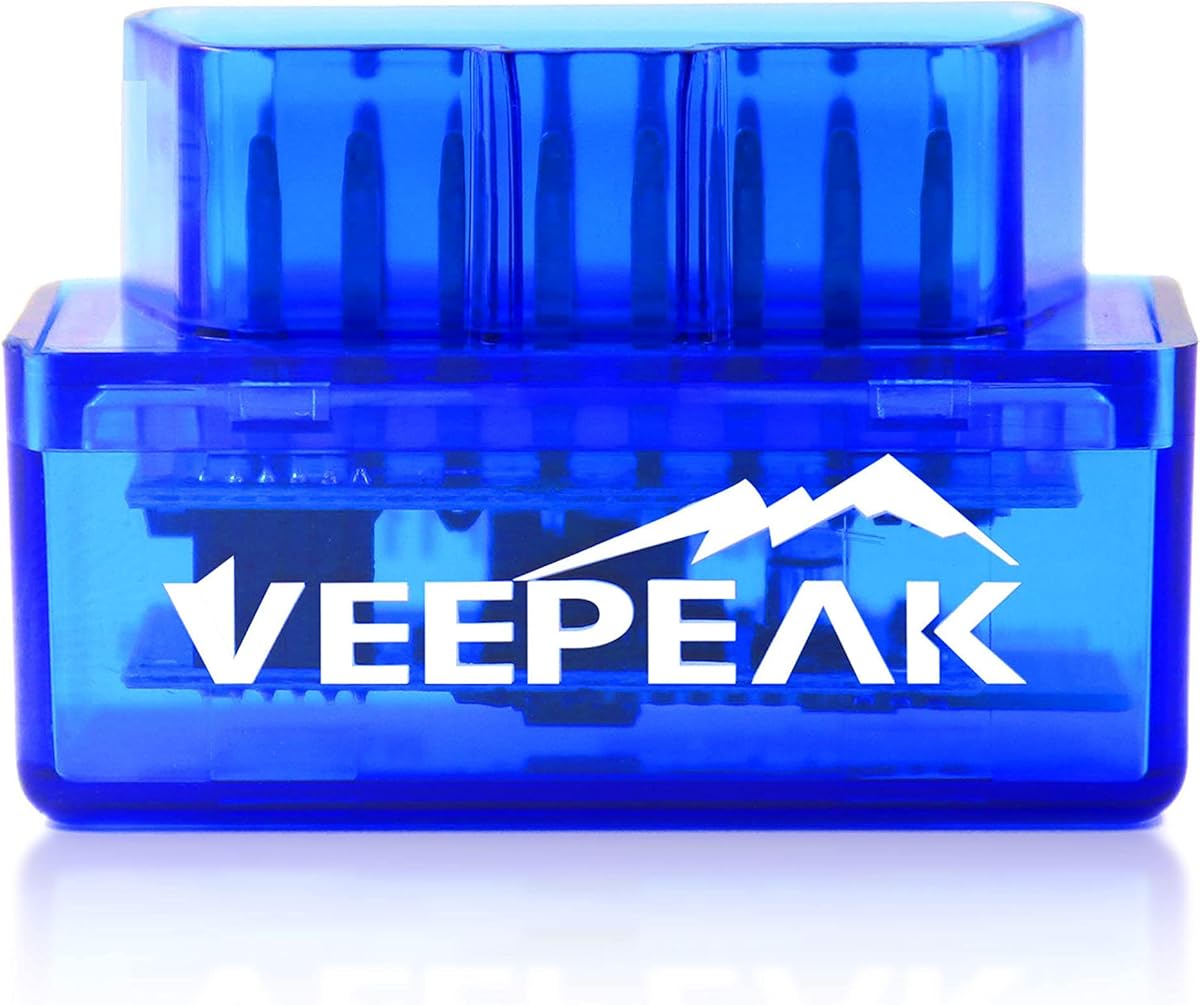
Veepeak Mini Bluetooth OBD2 Scanner Code Reader for Android
4.4Editor score
Compact Bluetooth design
Compatible with Android only
Reads engine codes
This guide compares the top Android OBDII scanner tools for 2026, evaluating features, compatibility, and ease of use to help you choose the right diagnostic
Finding the right Android OBDII scanner tool can save you time and money on vehicle diagnostics. These devices connect to your car to read error codes and monitor performance. A good scanner offers reliable connectivity and comprehensive data access for everyday drivers.
We evaluated ten leading products based on their connection stability, app compatibility, and diagnostic depth. Each option supports standard OBDII protocols while varying in advanced features like bidirectional control. Our goal is to help you find the best fit for your needs.
Each pick below highlights key strengths and limitations based on user feedback and technical specifications. Prices and availability change frequently, so verify details before purchasing. This guide ensures you have the information needed to make an informed decision today.
4.4Editor score

4.5Editor score

4.4Editor score
This table provides a side-by-side comparison of the top ten Android OBDII scanner tools available in 2026. Review the key specifications and features to identify the model that aligns with your diagnostic requirements and vehicle type.


The BlueDriver OBD2 Scanner stands out as a top choice for Android users seeking professional-grade diagnostics. With a rating of 4.5 stars, it offers a wireless Bluetooth connection and no subscription fees. Users appreciate its ability to read and clear more codes than basic readers.
We may earn a commission when you buy through this link, at no additional cost to you.
This tool provides unlimited technician-verified repair reports matched to your VIN. It supports enhanced diagnostics for ABS, SRS, and TPMS systems. The app allows you to monitor live vehicle data and view freeze frames without bulky cables.
While the price is higher than basic readers, the lack of recurring fees makes it cost-effective over time. Some users might find it less suitable for specific manufacturer coding tasks. However, for general repair verification, it excels.
If you want reliable diagnostics without ongoing costs, this scanner is highly recommended. It transforms your phone into a powerful tool for everyday vehicle health checks.
Get unlimited repair reports matched to your VIN with definitions and confirmed fixes.
Connect via Bluetooth to avoid wires and enjoy a clean setup process.
We may earn a commission when you buy through this link, at no additional cost to you.
The XTOOL A30D offers advanced bidirectional control, letting you test components like fuel pumps and valves directly from your phone. It supports 19 reset functions including TPMS and oil resets. This makes it a robust tool for serious DIYers and small shops.
We may earn a commission when you buy through this link, at no additional cost to you.
Its connection is stable up to 33 feet, providing flexibility during diagnosis. The tool supports CAN-FD and FCA protocols with an active subscription. You get clear graphs and meters for real-time module monitoring.
While powerful, some users note that advanced functions require extra steps or subscriptions. It is more complex than basic readers. However, the ability to actively test parts saves time and guesswork.
Choose this scanner if you need professional features without a handheld unit. It is a smart investment for those tackling maintenance and electrical issues.
Send commands to your vehicle to test components like wipers and doors.
Access 19 reset functions like EPB and SAS without extra charges.
We may earn a commission when you buy through this link, at no additional cost to you.
The Veepeak Mini Bluetooth is a compact adapter that turns your Android phone into a basic diagnostic tool. It costs significantly less than advanced scanners. It is ideal for those needing simple code reading and live data monitoring.
We may earn a commission when you buy through this link, at no additional cost to you.
It works with popular apps like Torque and Car Scanner. You can read and clear engine codes and check readiness. The small size makes it easy to carry in a glovebox.
This tool does not support iOS devices or advanced ABS and SRS diagnostics. It relies on classic Bluetooth which might be slower than LE. However, for the price, it delivers essential functionality.
If you need an affordable option for basic check engine light issues, this is a solid choice. Just ensure your phone is Android and compatible with the required apps.
Get basic code reading capabilities at a fraction of the cost of scanners.
Works with standard Android apps to unlock your vehicle data easily.
We may earn a commission when you buy through this link, at no additional cost to you.
The Veepeak OBDCheck BLE supports both iOS and Android via Bluetooth LE. It offers generic OBDII functions and compatibility with many apps like Torque and OBD Fusion. This makes it versatile for different platforms.
We may earn a commission when you buy through this link, at no additional cost to you.
It reads and clears trouble codes and views freeze frame data. While it does not perform ABS or SRS scans, it is reliable for engine diagnostics. The connection setup requires care within the app.
Users note it requires a compatible app which may need a purchase. It also lacks advanced manufacturer-specific functions. However, it is a good entry point for casual car owners.
If you want an adapter that works across different phone systems, this is a great option. Just be sure to download the correct app for your needs.
Use with both iPhone and Android devices thanks to Bluetooth LE.
Access standard OBDII data like live sensor readings and readiness codes.
We may earn a commission when you buy through this link, at no additional cost to you.
The OBDLink MX+ is a robust adapter designed for use with iOS, Android, and Windows. It is often recommended for apps like FORScan and BimmerCode. It offers enhanced OEM support for major brands like Ford and GM.
We may earn a commission when you buy through this link, at no additional cost to you.
It allows you to clear check engine lights and view advanced parameters. The device includes protection against over-voltage and battery drain. Firmware updates ensure long-term compatibility with new vehicles.
It is priced higher than basic adapters but provides professional-grade capabilities. Users note it is reliable for advanced diagnostics and coding. However, it requires third-party apps to function fully.
If you need a tool that works with Windows and offers OEM support, this is a strong candidate. It is built for users who want more than just basic code reading.
Connect to Windows PCs to use powerful diagnostic software tools.
Avoid battery drain with built-in protection features in the adapter.
We may earn a commission when you buy through this link, at no additional cost to you.
The Veepeak OBDCheck BLE+ supports both Bluetooth LE and classic modes. This flexibility makes it compatible with a wide range of apps. It provides live sensor data and freeze frame viewing for engine monitoring.
We may earn a commission when you buy through this link, at no additional cost to you.
It is designed for standard OBDII diagnostics. Users can access vehicle-specific data via apps like Car Scanner. It is a cost-effective solution for those willing to use third-party software.
This adapter does not support advanced functions like injector coding. It relies on external apps for full functionality. However, for live data monitoring, it performs well.
If you want an affordable adapter with flexible connection options, this is a great pick. It works with Android and iOS when paired with the right apps.
Choose between LE and classic Bluetooth for better app compatibility.
Stream real-time sensor data to visualize vehicle performance easily.
We may earn a commission when you buy through this link, at no additional cost to you.
The ANCEL AD310 is a handheld scanner that does not require a phone or battery. It reads and clears codes with power from the car's OBDII port. The screen is large and buttons are clearly labeled.
We may earn a commission when you buy through this link, at no additional cost to you.
It supports all OBDII protocols and offers fast results. The design is compact and lightweight for easy transport. Users appreciate its reliability for basic emission and engine diagnostics.
It does not connect to apps for advanced features. It is strictly a code reader. However, for those preferring a standalone tool, it is highly effective.
If you prefer a no-phone solution, this scanner is a solid choice. It is simple to use and works on most 1996 and newer vehicles.
Diagnose without needing a smartphone or external power source.
Support all major OBDII protocols for broad vehicle compatibility.
We may earn a commission when you buy through this link, at no additional cost to you.
The FOXWELL NT301 is a professional mechanic tool with a color screen. It focuses on engine codes and smog readiness checks. The I/M readiness hotkeys help you know if your vehicle is ready for testing.
We may earn a commission when you buy through this link, at no additional cost to you.
It includes live data graphing to spot issues in real time. The speaker provides audio feedback during diagnostics. You get lifetime free updates for this device.
It does not cover ABS or SRS systems deeply. The device is standalone and does not connect to apps. However, for smog preparation, it is unmatched.
If you want a dedicated tool for emission testing, this is a great option. It simplifies the process of checking if your car will pass.
Check your pass or fail status before heading to the test center.
View live sensor data in easy-to-read graphs for better analysis.
We may earn a commission when you buy through this link, at no additional cost to you.
The BlueDriver Pro Next-Gen offers expanded coverage for 2024 and newer models. It maintains the signature no-subscription model of the original. It is optimized for communication on select Nissan and Mazda models.
We may earn a commission when you buy through this link, at no additional cost to you.
Users get unlimited repair reports and enhanced diagnostics. It supports gas vehicles and select light-duty trucks. The tool is designed for daily drivers and real-world use.
While it has a lower rating, it offers more modern support. Some users find the value proposition lower than the classic. However, for newer cars, it provides enhanced compatibility.
If you drive a very new vehicle, this version might offer better support. It continues the legacy of professional diagnostics in a simple app.
Enhanced support for select 2024 and newer Nissan and Mazda models.
Get 24/7 North American support for all diagnostic questions.
We may earn a commission when you buy through this link, at no additional cost to you.
The OBD2 Scanner Diagnostic Tool uses Bluetooth 5.4 for a reliable and fast connection. It comes with a dedicated app that visualizes data clearly. It supports over 96% of car makes and models.
We may earn a commission when you buy through this link, at no additional cost to you.
The app helps interpret check engine lights and suggests fixes. It displays sensor data in clear charts. This makes it easy for beginners to understand vehicle status.
As a newer product, it may not have long-term reliability data. It requires the proprietary app to function. However, the visual interface is user-friendly.
If you want a simple app experience with modern Bluetooth, this is a good choice. It helps you avoid unnecessary repair shop trips with clear data.
View detected data in clear charts to quickly grasp car status.
Use a dedicated app that solves compatibility issues across systems.
We may earn a commission when you buy through this link, at no additional cost to you.
Selecting the right OBDII scanner depends on your specific vehicle needs and technical skills. This guide outlines key factors to consider for an informed purchase.
Ensure the scanner supports your car's make, model, and year. Most tools work with 1996 and newer OBDII compliant vehicles in the US. Check for support for ABS and SRS if you need advanced diagnostics.
Decide between a standalone handheld unit or a Bluetooth adapter. Bluetooth adapters save space and use your phone as a display. Handheld units work without a phone but require their own screen and power.
Bluetooth adapters require third-party apps to function. Check if the adapter is compatible with apps like Torque or OBD Fusion. Some apps may require separate purchases or subscriptions.
Determine if you need basic code reading or advanced data like live sensor streams. Tools with bidirectional control allow active testing of components. Ensure the tool covers the systems you want to monitor.
Consider the upfront cost and any recurring subscription fees. Some tools offer lifetime updates without extra charges. A higher initial price might save money over time if no fees are required.
Choose a brand with reliable support and a history of product updates. Established brands often offer better warranty coverage and customer service. This can be crucial if you face technical issues.
Look for intuitive interfaces and clear data visualization. Tools that offer visual charts or audio feedback can make diagnosis easier. Ensure the app is user-friendly for your skill level.
If you travel frequently, a compact adapter might be preferable. Handheld units are robust but bulkier. Consider how and where you will store the device when not in use.
After use, unplug the adapter to avoid battery drain. Keep the device in a protective case to prevent physical damage. Clean the connector contacts with a dry cloth if they appear dirty.
Yes, most Bluetooth OBDII scanners require a third-party app to function. The adapter acts as a bridge to send data to your phone. You can use apps like Torque, OBD Fusion, or manufacturer-specific tools.
An OBDII scanner can read and clear codes, which turns off the light. However, it does not repair the underlying mechanical issue. The light will return if the problem persists after the code is cleared.
Not all adapters are compatible with Android due to Bluetooth protocol differences. Ensure the product explicitly states support for Android. Some devices are designed exclusively for iOS or Windows systems.
Code readers are basic tools that read and clear engine codes. Scanners often offer enhanced diagnostics and live data views. Scanners are more versatile for troubleshooting complex issues.
Regular checks help catch minor issues before they become major problems. It is wise to scan after noticing warning lights or unusual noises. For most drivers, checking every few months or during oil changes is sufficient.
Most scanners work on EVs for battery health and general diagnostics. However, manufacturer-specific data may require specialized apps. Check the product description for hybrid or EV compatibility before purchasing.
Always verify current pricing and availability before making a purchase. Prices change frequently and new models may be released. Keep this guide handy to compare features as you shop for the best deal.