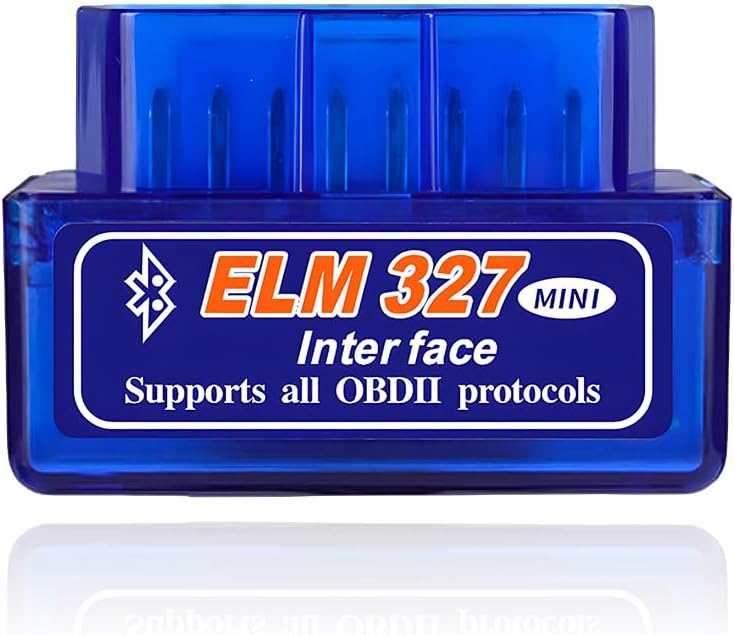
KVAEY OBDII Scanner
3.6Editor score
Affordable price point
Classic Bluetooth connection
17 diagnostic functions
Compare the top Elm327 Bluetooth adapters for reliable diagnostics. This guide reviews features, compatibility, and performance to help you choose the right
Choosing the right Elm327 Bluetooth adapter can transform how you monitor your vehicle's health. These tools connect wirelessly to your smartphone, allowing you to read codes and view live data without visiting a mechanic. A good adapter offers stable connectivity, broad vehicle compatibility, and support for popular diagnostic apps.
We evaluated ten leading Elm327 Bluetooth adapters based on connection stability, app support, and diagnostic capabilities. Our comparison includes options for iOS and Android users, as well as specialized tools for Ford and BMW owners. Each product was assessed for ease of use, build quality, and real-world performance.
Each pick below highlights key features, pros, cons, and ideal use cases to guide your decision. We include detailed reviews and a buying guide to help you understand protocol support and app compatibility. Prices may vary, so check current listings before purchasing to ensure you get the best value for your needs.
3.6Editor score

4.5Editor score

4.3Editor score
This side-by-side comparison highlights the key specifications and capabilities of each adapter to help you decide quickly. We focus on connectivity type, supported protocols, and app compatibility to ensure you find a tool that matches your vehicle and smartphone system.


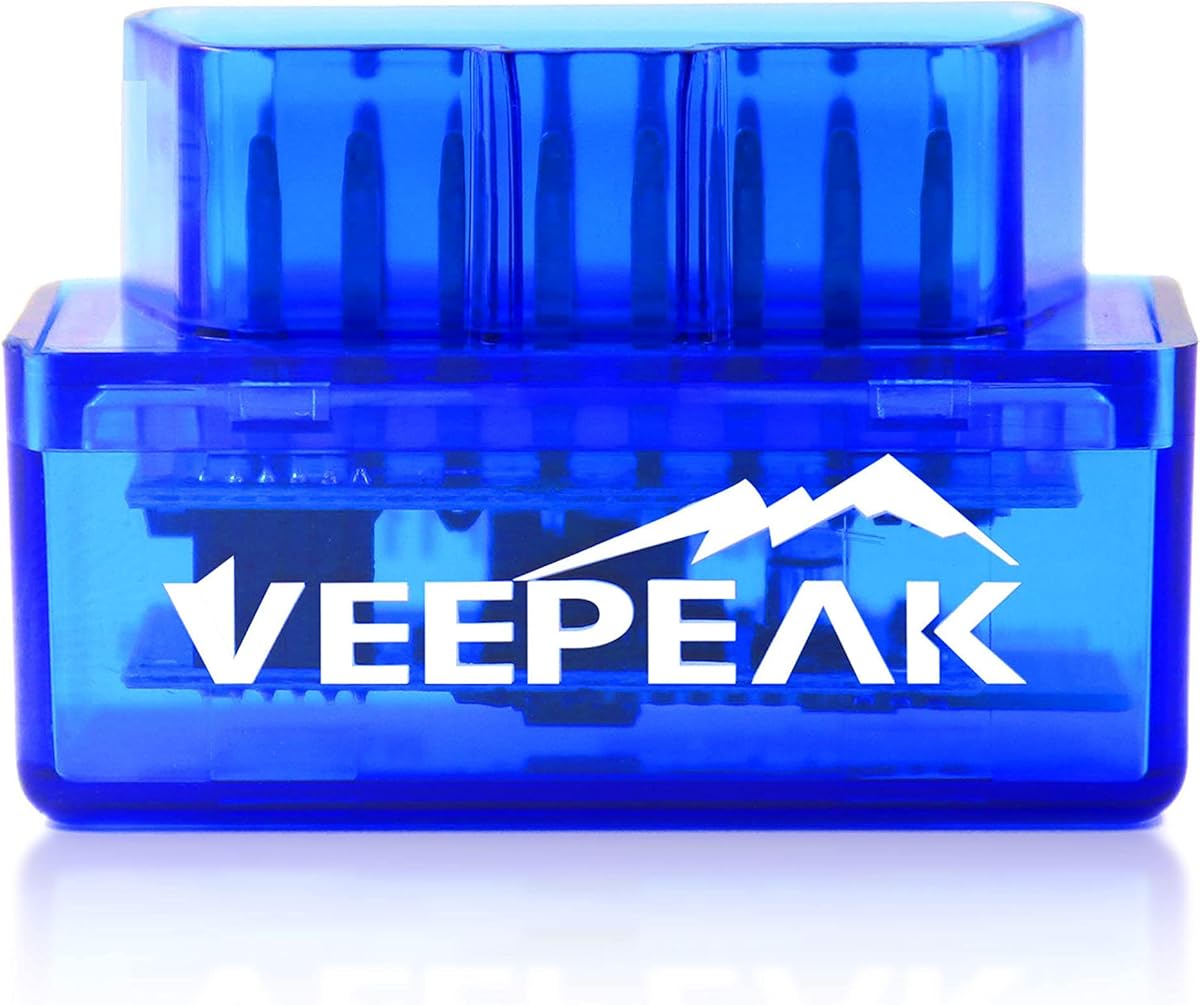
The Veepeak OBDCheck BLE stands out as a top choice for iPhone and Android users needing reliable diagnostics. It features Bluetooth Low Energy connectivity, ensuring a stable link to your mobile device without draining the battery. Its broad compatibility with popular apps makes it versatile for various diagnostic needs.
We may earn a commission when you buy through this link, at no additional cost to you.
This adapter handles standard OBDII functions effectively, including reading and clearing check engine codes and viewing live sensor data. It supports a wide range of third-party applications such as Torque and Car Scanner. The device is designed for easy insertion into the OBDII port and quick connection within the app.
While it excels at general diagnostics, it does not support manufacturer-specific advanced functions like ABS or SRS resets without compatible apps. Users should note that iOS devices require connecting directly through the app rather than system Bluetooth settings. This limitation is acceptable for most everyday diagnostic tasks.
Ideal for car owners who want a dependable tool for monitoring vehicle health and checking engine lights. It balances performance and ease of use, making it a strong recommendation for general diagnostics. Ensure you download the correct app for your device to maximize functionality.
The device works effortlessly with major diagnostic apps, allowing users to select their preferred interface for data viewing.
Bluetooth LE technology ensures a consistent wireless link that minimizes dropouts during critical diagnostic sessions.
We may earn a commission when you buy through this link, at no additional cost to you.
This OBD2 scanner leverages Bluetooth 5.1 technology for faster and more stable connections compared to older versions. It includes the YMOBD app for straightforward setup, making it accessible for users new to diagnostics. The device supports nine standard OBDII protocols, covering most gasoline vehicles.
We may earn a commission when you buy through this link, at no additional cost to you.
Users can view live data like RPM, speed, and coolant temperature directly on their smartphones. The adapter is compact and stays plugged into the OBDII port for quick access. It works with many third-party apps, offering flexibility in how you monitor your vehicle's performance.
Some users have reported mixed experiences with connection stability depending on the vehicle and app version. While the included app is convenient, advanced diagnostics may require additional software. This adapter is best for those prioritizing modern connectivity over specialized functions.
It is a practical tool for everyday monitoring and emissions checks. Ensure your vehicle is compatible with the supported protocols before purchasing. The balance of features and price makes it a competitive option in the budget-friendly segment.
The latest Bluetooth standard provides improved speed and stability for wireless communication with your smartphone.
Supporting nine different OBDII protocols ensures compatibility with a wide range of vehicle makes and models.
We may earn a commission when you buy through this link, at no additional cost to you.
The Vgate vLinker FD+ is optimized for Ford and Lincoln owners needing to access MS-CAN protocols. It connects via Bluetooth 4.0 to iOS, Android, and Windows devices for reliable diagnostics. The adapter supports FORScan Lite, making it ideal for reading trouble codes and monitoring live data.
We may earn a commission when you buy through this link, at no additional cost to you.
This device includes advanced protection features like over-voltage and over-current safeguards to keep your vehicle safe. Its firmware is upgradable, ensuring long-term compatibility with new vehicle systems. The design is compact and fits neatly into the OBDII port.
While it excels at diagnostics, it does not support advanced system adjustments or unit updates. Users need to purchase diagnostic apps separately from their device stores. This focus on stability and compatibility makes it a solid choice for Ford enthusiasts.
It is recommended for DIYers who need dependable code reading and live data monitoring. Verify your vehicle's compatibility with FORScan before buying. The balance of protection and performance offers peace of mind during extended use.
Specifically designed to handle the MS-CAN protocol found in many Ford and Lincoln vehicles for accurate diagnostics.
Upgradable firmware allows the adapter to adapt to new vehicle systems over time without needing replacement.
We may earn a commission when you buy through this link, at no additional cost to you.
This adapter uses WiFi instead of Bluetooth to connect your smartphone to the vehicle's OBDII port. It is ideal for users who prefer a wireless connection without dealing with Bluetooth pairing issues. The device supports a wide range of apps available on both iOS and Android platforms.
We may earn a commission when you buy through this link, at no additional cost to you.
Setup involves installing a compatible app and connecting to the device via WiFi settings. It is lightweight and easy to store when not in use. The tool helps you monitor performance and identify issues quickly without needing a laptop.
Since it relies on WiFi, it may not work well in areas with signal interference or if your phone lacks WiFi capabilities. It is not compatible with FORScan software. This makes it better suited for general diagnostics rather than specialized programming.
Choose this if you want a simple, no-fuss connection for basic engine checks. Ensure your phone can connect to the device's WiFi network for best results. The portability and ease of use make it a handy tool for emergencies.
Using WiFi allows for a straightforward connection that avoids Bluetooth pairing steps for supported devices.
Supports a broad selection of OBDII apps, giving you flexibility in choosing your preferred diagnostic interface.
We may earn a commission when you buy through this link, at no additional cost to you.
This ELM327 Bluetooth adapter offers a cost-effective solution for basic vehicle diagnostics. It connects to your smartphone via Bluetooth to read fault codes and display live data. The housing is made of high-strength ABS, ensuring durability during regular use.
We may earn a commission when you buy through this link, at no additional cost to you.
You can monitor key metrics like coolant temperature and fuel pressure in real-time. Its compact size makes it easy to carry and store. It is designed for standard 12V vehicles, covering most cars and light trucks on the road.
While it handles essential tasks, it uses an older Bluetooth version which may result in slower connections compared to newer models. Advanced features are limited. This adapter is suitable for those on a tight budget who need fundamental diagnostic capabilities.
It is a practical choice for occasional use or as a backup tool. Ensure your vehicle is a standard 12V system before purchasing. The combination of durability and low cost makes it an attractive entry-level option.
The ABS plastic casing provides impact resistance and protection against wear and tear during daily use.
Supports real-time viewing of sensor data to help you understand your vehicle's current operating status.
We may earn a commission when you buy through this link, at no additional cost to you.
The KVAEY scanner comes with 17 functions to help diagnose automotive faults and monitor engine health. It uses classic Bluetooth technology and requires pairing with a PIN for connection. The scanner is constructed from flame-retardant ABS material for safety.
We may earn a commission when you buy through this link, at no additional cost to you.
It works well with the free Torque app, allowing you to read and clear fault codes easily. You can also calculate load values and track engine speed in real-time. The device is designed for most 12V vehicles, excluding hybrids.
While the feature count is high for the price, the build quality is basic compared to premium models. You need to enter a PIN for pairing, which adds a small step to setup. It is a good value for those wanting multiple functions on a budget.
It is recommended for general diagnostics and maintenance monitoring. Ensure your vehicle is not a hybrid or electric system. The free app support makes it accessible without extra software costs.
Offering 17 functions provides more diagnostic options than typical basic scanners in this price range.
Flame retardant material adds a layer of safety to the device during use in the engine bay.
We may earn a commission when you buy through this link, at no additional cost to you.
The Vgate iCar Pro is a popular choice for its balance of features and performance. It uses Bluetooth 4.0 and includes an auto-sleep mode to prevent battery drain. Firmware updates ensure it remains compatible with newer vehicles over time.
We may earn a commission when you buy through this link, at no additional cost to you.
It supports both iOS and Android devices, with specific pairing steps for Android users. The device has LED indicators to show connection status at a glance. Its compact design allows for easy insertion and removal from the OBDII port.
While reliable, it does not support advanced protocols like MS-CAN for specific brand coding. You need to pair Android devices with a PIN code before using apps. For most standard diagnostics, it performs well and is easy to use.
Ideal for users needing a dependable everyday scanner. Check your vehicle's compatibility with the supported protocols. The firmware update feature adds value by extending the device's lifespan.
The auto-sleep feature minimizes battery draw, making it safe to leave connected when the car is off.
LED indicators provide immediate feedback on connection status and data reading activity.
We may earn a commission when you buy through this link, at no additional cost to you.
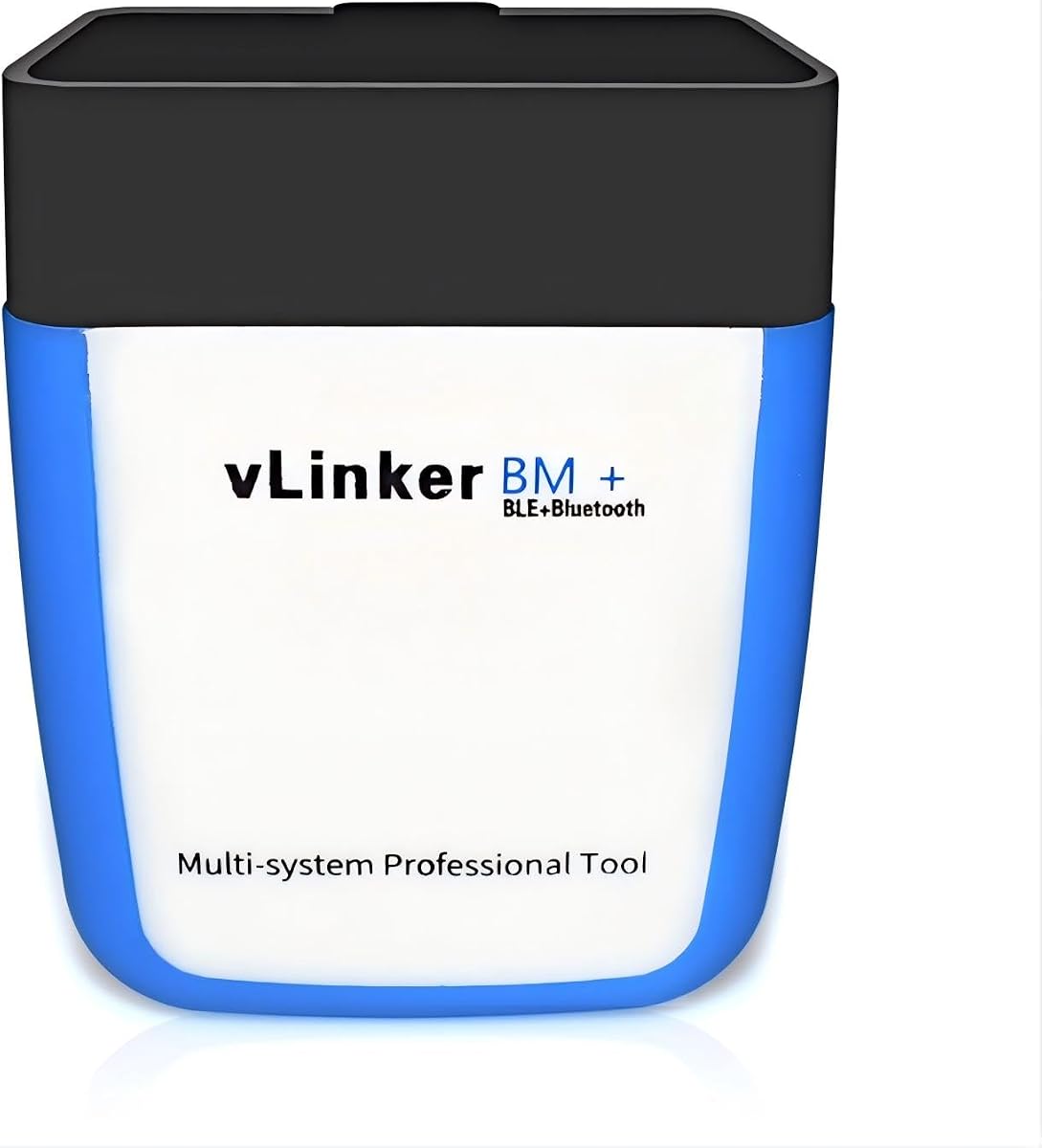
The Vgate vLinker BM+ is tailored for BMW and Mini owners looking to code modules and perform diagnostics. It offers high-speed data transfer capabilities necessary for tasks like BimmerCode coding. The device includes protection features to prevent battery drain.
We may earn a commission when you buy through this link, at no additional cost to you.
It works with popular apps like BimmerCode, Torque Pro, and others across iOS, Android, and Windows. The expanded data buffer ensures smooth communication during intensive sessions. Firmware updates help maintain long-term compatibility with vehicle systems.
While powerful for its target audience, it is specialized for BMW and may not offer the best value for general users. Some features require purchasing specific apps separately. If you own a BMW, this is a top-tier option for customization.
Ideal for enthusiasts wanting to modify vehicle settings safely. Check app compatibility for your specific model year. The robust design and battery protection make it reliable for daily monitoring.
High-speed data and expanded buffers support the rigorous demands of BMW module coding tasks.
Low sleep current and automatic power modes ensure your vehicle battery remains safe when connected.
We may earn a commission when you buy through this link, at no additional cost to you.
The Vgate vLinker FS Bluetooth is designed to work seamlessly with FORScan for advanced diagnostics. It supports high baud rates and fast configuration programming, which speeds up data transfer. The device includes over-voltage and battery drain protection for safety.
We may earn a commission when you buy through this link, at no additional cost to you.
It auto sleeps when idle to conserve energy and wakes when activity resumes. This allows it to be left plugged in without harming your vehicle. It is compatible with a wide range of 1996 and newer cars and light trucks.
While it offers advanced capabilities, some software features may require additional purchases. It is best suited for users needing FORScan-specific functions. The build quality and protection features justify the higher price for serious DIYers.
Recommended for Ford owners and those needing detailed system diagnostics. Ensure your apps are compatible before use. The balance of speed and safety makes it a professional-grade choice.
Specifically tuned for FORScan to deliver reliable high-speed data for complex programming tasks.
Automatic sleep and wake modes ensure efficient power use without manual intervention.
We may earn a commission when you buy through this link, at no additional cost to you.
The Veepeak Mini Bluetooth is a compact tool designed specifically for Android users. It uses classic Bluetooth to connect to your phone and read engine codes. The small profile makes it easy to keep in your glove compartment for emergencies.
We may earn a commission when you buy through this link, at no additional cost to you.
It supports live sensor data like speed and coolant temperature, helping you diagnose issues on the go. Compatible with apps like Torque and OBD Fusion, it offers flexibility for viewing information. It works on most 1996 and newer vehicles in the US.
Since it does not support iOS, iPhone owners must choose a different model. Advanced functions like ABS resets are not supported. This device is perfect for Android users needing a small, reliable scanner for basic checks.
Choose this if you are an Android user looking for a lightweight diagnostic aid. Ensure your app is compatible for the best experience. The compact design and app support make it a great addition to your car kit.
Designed exclusively for Android devices to provide optimized performance for compatible smartphones.
Its small size ensures it does not obstruct the OBD port and is easy to carry anywhere.
We may earn a commission when you buy through this link, at no additional cost to you.
Selecting the right adapter depends on your vehicle type, smartphone OS, and the level of diagnostics you need. This section outlines key factors to consider before making a purchase.
Bluetooth version affects connection speed and stability. Newer versions like 5.1 offer faster data transfer and better battery efficiency compared to older 2.1 or 4.0 models.
Choose a Bluetooth version that matches your smartphone's capabilities for optimal performance.
Ensure the adapter supports the diagnostic apps you plan to use. Some tools work with a wide range of apps, while others are limited to specific software like FORScan or Torque.
Check the product description for a list of supported apps before buying to avoid limitations.
Verify that the adapter supports your vehicle's make and year. Most tools work with 1996+ vehicles, but some may have limitations with newer systems or specific brands like Ford or BMW.
Read the compatibility notes to confirm your car is supported for full functionality.
Protocols like OBDII, MS-CAN, and CAN dictate which vehicle systems you can access. If you need advanced diagnostics, look for adapters supporting specific protocols required by your car manufacturer.
Standard OBDII is enough for check engine lights, but specialized tasks need protocol support.
Some adapters have auto-sleep features to prevent battery drain when left plugged in. This is crucial if you plan to keep the tool connected for long-term monitoring or emergency use.
Look for models with low sleep current if leaving the device in the car is important.
Choose between Bluetooth and WiFi based on your preference. Bluetooth is generally more convenient for daily use, while WiFi may offer simpler setup for some users without Bluetooth pairing steps.
Ensure your device supports the chosen connectivity type to avoid connection issues.
A durable housing protects the adapter from wear and tear. ABS plastic cases are common and offer good resistance against impact and heat exposure in the engine bay.
Select a model with sturdy construction for reliable use over time.
Some adapters offer advanced functions like ABS resets or module coding. These require specific hardware capabilities and compatible software. Standard tools usually only handle engine and transmission codes.
Determine if you need extra features beyond basic code reading before purchasing.
Begin by locating the OBDII port in your vehicle, usually found under the dashboard near the steering column. Insert the adapter firmly into the port and turn the ignition to the ON position without starting the engine.
Open the diagnostic app on your smartphone and select the connection type (Bluetooth or WiFi). Follow the pairing instructions if required, using the default PIN like 1234 if prompted. Wait for the app to establish a connection with the adapter.
Once connected, you can view live data or read trouble codes. To preserve battery life, remove the adapter after use or ensure it has an auto-sleep feature. Store it in a safe place to prevent physical damage.
Most standard Elm327 adapters work with 1996 and newer vehicles in the US. However, some newer or specialized vehicles may require specific protocol support like MS-CAN or CAN. Check compatibility before buying to ensure it covers your car's systems.
Some adapters come with a free app, but many require you to download a third-party app like Torque or Car Scanner. Always check the product details to see which apps are supported or included in the package.
It is safe only if the adapter has an auto-sleep feature. Some models draw power even when the car is off, which could drain the battery. Choose one with low sleep current to avoid battery issues.
Bluetooth adapters connect directly to your phone without extra steps, while WiFi adapters create a network for connection. Bluetooth is generally easier for daily use, but WiFi may be preferred by those avoiding Bluetooth pairing.
They can read and clear check engine codes, but clearing them does not fix the underlying problem. If the issue persists, the light will return. Always address the root cause of the trouble code for a permanent fix.
Many adapters support light-duty diesel vehicles, but it is best to verify specific compatibility. Some models may not support certain diesel protocols or truck systems. Check the product specs for diesel vehicle details.
Our top picks include the Veepeak OBDCheck BLE for overall reliability, the KVAEY OBDII Scanner for budget-conscious buyers, and the Vgate vLinker FS for advanced users.
Consider your vehicle type and the features you need most, such as protocol support or app compatibility. Prioritizing these factors will help you find a tool that fits your diagnostic needs perfectly.
Remember that prices and availability can change. Always check current listings and reviews to ensure you are getting the best deal for your specific situation.