
ChaoQ Stylus Pen for Touchscreen
4.6Editor score
Lightweight aluminum body design
Dual rubber tip options
Affordable multi-pack value
Explore our expert guide on the best fine tip stylus options for 2026 comparing top models for precision, compatibility, and value across devices.
Finding the right fine tip stylus can transform how you interact with touchscreens. Whether you are drawing, taking notes, or navigating apps, a quality stylus offers precision and comfort that fingers simply cannot match.
We compared ten top-rated stylus pens focusing on tip precision, build quality, battery life, and device compatibility. Our analysis ensures you find a model that fits your workflow and budget without compromising performance or durability.
Each pick highlights key features, pros, and cons to help you decide quickly. Remember that prices fluctuate frequently on Amazon so always check the current listing before making your final purchase decision today.
4.6Editor score

4.6Editor score

4.0Editor score
This side-by-side comparison highlights the unique strengths of each stylus model we reviewed. Use this table to quickly identify which pen matches your specific device and usage needs.


The MEKO Stylus Pen stands out as our top pick for its versatile 3-in-1 design. With a transparent disc tip, two rubber tips, and high user ratings, it delivers accuracy without needing power.
We may earn a commission when you buy through this link, at no additional cost to you.
Its transparent disc tip allows you to see exactly where you touch the screen making it ideal for detailed work. The flexible writing angle reduces wrist strain during long sessions.
While it lacks pressure sensitivity, the smooth silicone tips prevent screen scratches and fingerprints. The inclusion of multiple replacement tips ensures longevity and value over time.
This stylus suits students artists and casual users needing precision. We recommend it for anyone wanting a reliable universal tool without the cost of active pens.
The transparent disc tip offers clear visibility of the contact point enabling precise drawing and annotation without guessing where your tip touches.
Switch between rubber tips for scrolling and the disc tip for writing to adapt to different tasks without changing devices or losing workflow.
We may earn a commission when you buy through this link, at no additional cost to you.
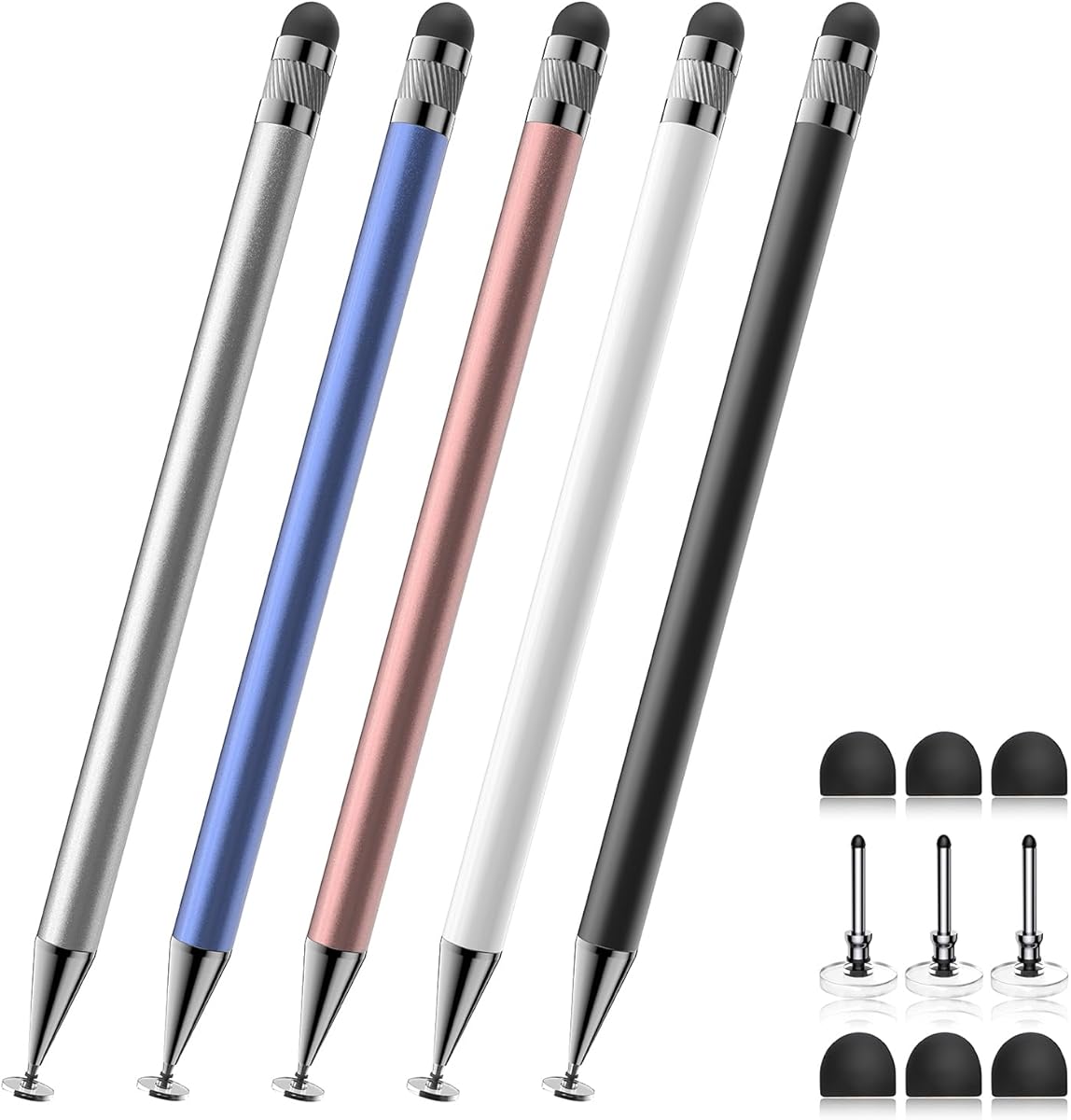
Bopomofo offers a vibrant pack of five stylus pens designed for families or classrooms. Each pen features a dual-tip setup for versatility and a unique aesthetic that stands out.
We may earn a commission when you buy through this link, at no additional cost to you.
The flexible transparent disc tip and rubber tip provide two distinct touch experiences for scrolling and writing. The patented design adds a touch of elegance to everyday tools.
Users should note the plastic piece on the disc tip is fixed. Despite this the smooth glide over screen protectors ensures durability and comfort during extended use.
Ideal for sharing among students or office workers this pack ensures everyone has a stylus ready. It is a smart budget choice for bulk needs.
Getting five colorful stylus pens in one box means you can share with family or colleagues without running out when one gets lost or damaged.
The unique patented design makes these stylus pens look professional and appealing serving as a thoughtful gift for birthdays or business occasions.
We may earn a commission when you buy through this link, at no additional cost to you.
This upgraded 3-in-1 stylus pen is designed to meet all daily needs for writing and gaming. Its high precision disc tip ensures responsive contact across various capacitive screens.
We may earn a commission when you buy through this link, at no additional cost to you.
The flexible writing angle helps avoid lag and interruptions while using it. The simple replaceable tip design extends the life of the pen without requiring tools or expertise.
Though it lacks advanced connectivity it works perfectly for note-taking and browsing. It is particularly helpful for those with arthritis or limited hand movement.
Students and seniors will appreciate its ease of use and affordability. We suggest it as a reliable backup pen for educational settings.
The design helps users with arthritis or limited hand movement write easily without struggling with standard touchscreens or heavy devices.
Changing tips is effortless without tools ensuring the stylus stays functional for years even if tips wear out from heavy daily use.
We may earn a commission when you buy through this link, at no additional cost to you.
This universal set includes two pens with different tips for modern and older screens. The silicone head suits capacitive devices while the plastic tip handles resistive screens.
We may earn a commission when you buy through this link, at no additional cost to you.
It is particularly useful for GPS units or older handhelds that lack touch sensitivity. The silicone part prevents scratches on phones and tablets ensuring safe interaction.
While the plastic tip cannot work on modern capacitive screens the dual design covers a wider range of legacy devices than most competitors offer.
Keep this in your toolkit for older technology. It is a niche but valuable solution for maintaining functionality on outdated hardware.
The plastic tip allows interaction with older resistive screens found in GPS or POS machines ensuring these devices remain usable.
Having both tips in one pen simplifies your setup letting you switch between modern phones and older gadgets without carrying multiple tools.
We may earn a commission when you buy through this link, at no additional cost to you.
This seven-piece set provides ample stylus pens for groups or classrooms. The lightweight alloy body ensures durability while offering a premium feel at a budget price.
We may earn a commission when you buy through this link, at no additional cost to you.
The 2-in-1 design allows for flexible usage across different touch scenarios. No Bluetooth pairing means you can use it instantly anywhere without charging.
Users report smooth writing experiences on major operating systems and devices. The multicolor options help individuals identify their own pen easily.
Perfect for schools or shared workspaces this set eliminates the hassle of losing single stylus pens. It is a practical bulk choice.
The alloy body is sturdy and anti-aging ensuring the pens withstand drops and daily handling better than cheaper plastic alternatives.
With seven different colors users can assign specific pens to individuals reducing confusion in group settings like offices or schools.
We may earn a commission when you buy through this link, at no additional cost to you.
ChaoQ delivers a budget-friendly 3-pack with vibrant aluminum bodies and smooth dual-tip rubber. It offers high sensitivity and comfort for everyday tasks.
We may earn a commission when you buy through this link, at no additional cost to you.
The ergonomic design reduces wrist strain making it suitable for extended use. Anti-scratch tips ensure your screen stays pristine while you work.
Users appreciate the bright colors which add a creative touch to their desk setup. Replaceable tips extend the lifespan of each pen.
Ideal for families or casual users this set balances cost and performance well. We recommend it as a reliable backup option.
The ergonomic design reduces wrist strain during extended use making it comfortable for note-taking or long writing sessions.
Bright metal colors inspire creativity and help you easily distinguish your stylus from others in shared environments.
We may earn a commission when you buy through this link, at no additional cost to you.
This stylus pen features a magnetic design that securely attaches to compatible iPads. It offers quick charging and a one-touch switch for easy control.
We may earn a commission when you buy through this link, at no additional cost to you.
The active design ensures no lag or delay while writing. It includes complimentary nibs for precision and long-term use.
While it only works with specific iPad Pro models it provides a near-active experience at a lower cost. Avoid resting hands on screen due to lack of palm rejection.
Ideal for iPad Pro users needing an affordable alternative. We suggest it for basic note-taking and drawing.
The authentic magnetic design securely attaches to the side of your iPad keeping it within reach and preventing it from getting lost.
Fully charged in just 40 minutes it provides continuous use for 9 to 10 hours without worrying about charging interruptions.
We may earn a commission when you buy through this link, at no additional cost to you.
OASO includes a magnetic cap that stores the disc tip safely inside the pen body. It is designed for universal compatibility with major tablets and phones.
We may earn a commission when you buy through this link, at no additional cost to you.
The included leather case and extra tip ensure longevity and portability. The disc tip simulates human finger interaction for smooth navigation.
Users appreciate the thoughtful design keeping the tip safe from damage. The universal fit works across major devices without setup.
Ideal for travelers or anyone needing a reliable backup pen. We recommend it for its smart storage solutions.
Screw out the pen end to pour out an extra disc tip keeping replacements handy without extra boxes or bags.
The package includes a leather pen case for carry out protecting the stylus from scratches during transit.
We may earn a commission when you buy through this link, at no additional cost to you.
This stylus offers a 1.5mm ultra-fine copper tip for pro-level control. It features a magnetic cap and long battery life for continuous use.
We may earn a commission when you buy through this link, at no additional cost to you.
The copper tip glides smoothly without lag or scratches ensuring precision art or notes. The magnetic cap locks to devices preventing loss.
It requires charging but lasts up to 12 hours. Avoid resting hands on screen since it lacks palm rejection.
Ideal for creators needing precise lines. We recommend it for detail work on tablets.
The 1.5mm copper tip provides lifelike accuracy ideal for detailed art and notes with no lag or skips.
The magnetic cap locks snugly to devices preventing loss and shielding the charging port from dust.
We may earn a commission when you buy through this link, at no additional cost to you.
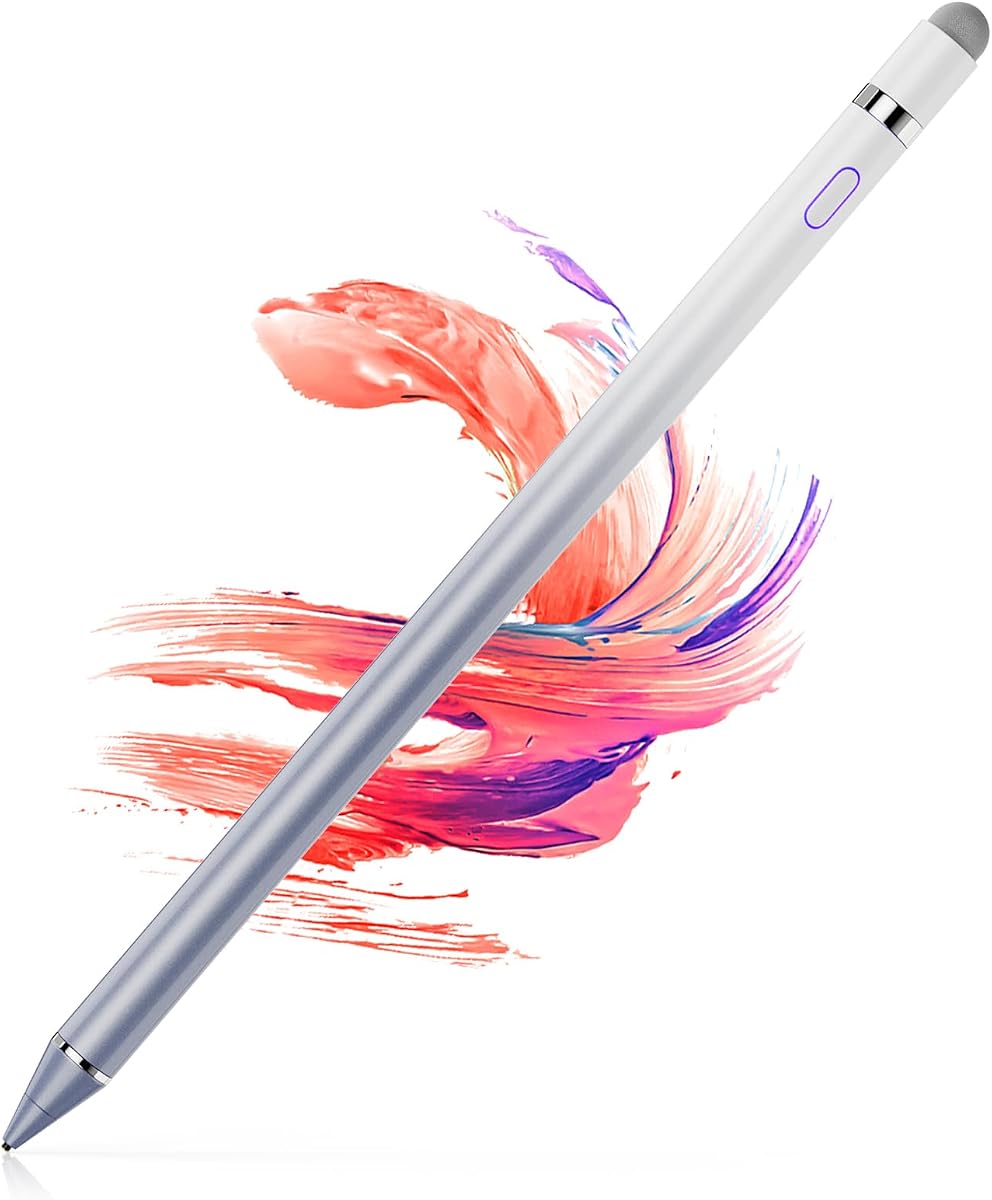
This rechargeable active stylus pen offers a realistic feeling for creation. It features a fine point tip and automatic power off to save battery.
We may earn a commission when you buy through this link, at no additional cost to you.
Power on instantly within one second without Bluetooth. It provides precise drawing and handwriting experiences suitable for most popular tablets.
Though it lacks pressure sensitivity the consistent line thickness supports basic art. The long battery life ensures uninterrupted creative sessions.
Ideal for artists and designers needing precision. We recommend it for serious sketching tasks.
This active stylus offers a realistic feeling for creation good for drawing and painting with consistent line thickness.
Automatic power off after 30 minutes saves energy while 10 to 12 hours of continuous use keeps you working.
We may earn a commission when you buy through this link, at no additional cost to you.
Choosing the right stylus depends on your devices, usage habits, and budget. Use these factors to narrow down your options effectively.
Fine tips like 1.5mm offer precision for art while wider tips suit scrolling. Check if the tip is replaceable to avoid replacement.
Look for transparent disc tips for visibility or rubber tips for durability.
Ensure the stylus supports your operating system and screen type. Some models work better with Apple devices while others are universal.
Check specific iPad generations for magnetic features.
Passive styluses need no charging and are simpler. Active ones offer features like longer use or magnetic storage but require charging.
Choose passive for convenience and active for advanced features.
Aluminum bodies feel premium and durable while plastic is lighter and cheaper. Check ergonomics to reduce wrist strain.
Look for lightweight designs for long sessions.
Stylus tips wear out. Ensure spare tips or caps are included or available. This extends the life of the pen.
Check if replacement parts are sold separately.
Most passive styluses lack palm rejection meaning you cannot rest hands on the screen. Active styluses may support this feature.
Prioritize this if you write for hours.
Budget sets offer multiple pens for sharing while premium ones offer single high-performance units. Balance cost with your needs.
Compare features against price before buying.
Some styluses have magnetic caps or leather cases for protection. Consider these convenience add-ons when shopping.
Look for included cases for travel.
Always store your stylus in a case or magnetic spot to prevent tip damage. Avoid leaving it in extreme temperatures.
Clean the screen before using to ensure smooth interaction. Dust can interfere with the tip and screen contact.
Replace worn tips promptly to maintain accuracy. Most caps allow easy swapping without tools.
Most work on capacitive screens like phones and tablets but resistive screens need specific tips. Always check compatibility before buying.
Active styluses need batteries and offer features like palm rejection. Passive ones use conductive material and need no charging.
Yes most capacitive styluses glide smoothly over glass protectors. Disc tips are especially good for visibility.
If lines become thicker or less accurate replace the tip immediately. Many sets include replacements.
No many universal pens are passive and need no Bluetooth. Active ones may pair but basic ones do not.
Yes they offer precise control and reduce screen fingerprints. They are suitable for gaming on touch devices.
Our top picks cover various needs from budget to premium. The MEKO leads for versatility while ChaoQ offers great value.
Prioritize tip size and battery type based on your workflow. Active pens suit professionals while passive ones suit casual users.
Check current prices and reviews before buying to ensure the best deal. Models change over time.