
HP Chromebook 14 Laptop
4.3Editor score
Up to 14 hours battery life
Lightweight portable design
Chrome OS simplicity and speed
Finding the right laptop for back to school can feel overwhelming with so many options on the market. Students need reliable machines that handle coursework, research, and entertainment without breaking the bank or weighing down their backpacks.
We have carefully analyzed ten top-rated models focusing on processor speed, memory capacity, storage options, and battery life. Each product was selected based on real-world usability for academic tasks and everyday computing needs.
Every pick highlights specific strengths like portability or multitasking power to help you make an informed decision. Keep in mind that availability and offers may shift frequently so check current details before purchasing your device.
4.3Editor score

4.5Editor score

4.6Editor score
As an Amazon Associate we earn from qualifying purchases.
The following table provides a side-by-side comparison of all ten selected laptops highlighting their key specifications and ideal use cases to help you quickly identify the model that fits your specific academic needs.


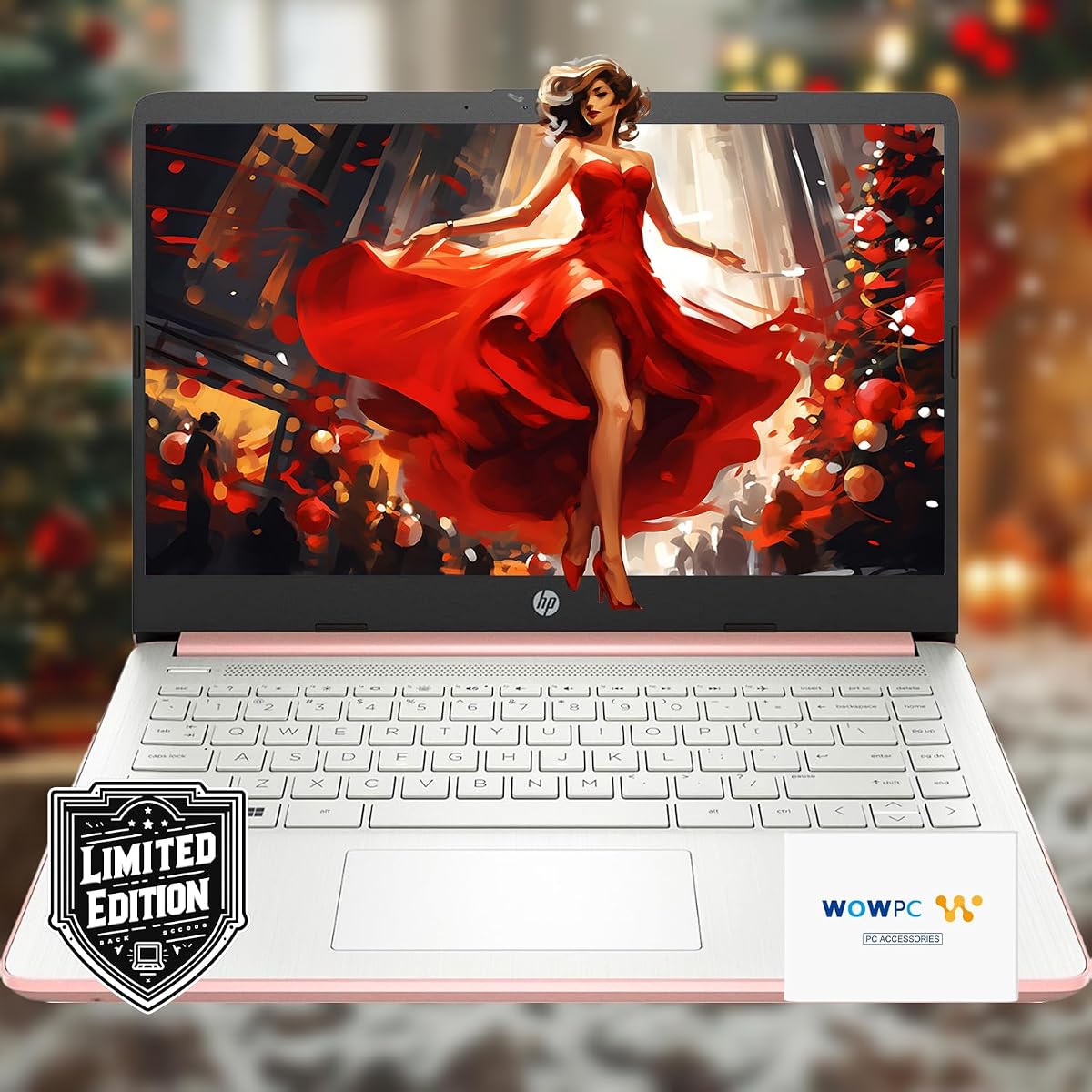
This HP 15.6 laptop stands out as a top contender for students due to its impressive memory and storage configuration. With 16GB of RAM it handles multiple applications simultaneously without lag which is essential for research writing papers and streaming lectures.
We may earn a commission when you buy through this link, at no additional cost to you.
The inclusion of a 512GB external hard drive alongside internal SSD storage ensures you have ample room for projects media files and backups. The Intel Quad-Core processor provides reliable performance for everyday tasks while Windows 11 offers a familiar and secure environment.
While the display resolution is standard for this price tier the brightness and color accuracy are sufficient for indoor study sessions. The accessory bundle adds significant value by providing items like a microfiber cloth and hotkey stickers that streamline daily workflows.
If you need a versatile machine that grows with your academic demands this model offers exceptional value. Its balance of performance storage and bundled essentials makes it a smart choice for high school and college students alike.
The dedicated Microsoft 365 subscription ensures you have immediate access to essential tools like Word and Excel for completing assignments efficiently.
Having both internal and external storage means you can store large video projects or photo libraries without worrying about running out of space quickly.
We may earn a commission when you buy through this link, at no additional cost to you.
The HP Chromebook 14 is an excellent choice for students who prioritize portability and battery life over heavy local storage. Chrome OS is incredibly efficient allowing the device to start up in seconds and stay running throughout a full day of classes.
We may earn a commission when you buy through this link, at no additional cost to you.
Its lightweight design makes it easy to carry between lectures or study spots without adding bulk to your backpack. The Intel Celeron processor is sufficient for web browsing document editing and streaming educational content with smooth performance.
While the 64GB eMMC storage is limited the cloud-first approach of Chrome OS mitigates this for most users. You can rely on Google Drive for document storage and offline capabilities are available for many common tasks.
For families on a budget this Chromebook delivers reliable performance and durability. It is ideal for younger students or those whose primary computing needs are centered around web-based applications and research.
Students can attend back-to-back classes without worrying about carrying a charger thanks to the extended battery life that supports continuous use.
The intuitive interface reduces distractions and keeps students focused on their work while ensuring the device remains secure and up to date automatically.
We may earn a commission when you buy through this link, at no additional cost to you.
This HP 14 laptop brings premium features to the student market including Windows 11 Pro and integrated Copilot AI tools. These additions provide enhanced security and productivity assistance that can streamline complex research and data management tasks.
We may earn a commission when you buy through this link, at no additional cost to you.
The bundle includes wireless earbuds and a mouse pad which means you get everything you need to start working immediately without extra purchases. The anti-glare display ensures comfortable viewing even under bright classroom lights or sunlight.
Although the RAM is modest at 4GB the DDR5 technology offers faster speeds than standard RAM helping the system respond quickly to commands. The Intel N150 processor balances power consumption with performance for a balanced user experience.
If you value advanced software features and a complete setup this laptop is a strong investment. It suits students who need robust security and AI tools to manage heavier workloads efficiently.
Windows 11 Pro offers hardware-based isolation and encryption to protect sensitive academic data from potential threats or unauthorized access.
The Copilot AI feature assists with summarizing text and drafting content saving valuable time during the research and writing process.
We may earn a commission when you buy through this link, at no additional cost to you.
This model distinguishes itself with a massive 1TB of cloud storage which is perfect for students who work on collaborative projects or store large media files. The combination of Windows 11 and Microsoft 365 creates a seamless ecosystem for productivity.
We may earn a commission when you buy through this link, at no additional cost to you.
The DDR5 RAM ensures that data transfers and application launches are snappy despite the lower capacity compared to older standards. The Intel N150 processor is efficient enough for daily coursework while preserving battery life.
Portability is a key focus here with a slim profile that fits easily into tight dorm spaces or crowded backpacks. The anti-glare coating on the display reduces eye strain during long study sessions which is a thoughtful addition.
For students comfortable with cloud-based workflows this laptop offers an excellent balance of features and convenience. It eliminates the need for external drives and keeps your files accessible from any device with internet access.
With 1TB of cloud storage you can safely back up your thesis or portfolio and access it from home or school without physical media.
DDR5 RAM provides higher data rates which helps maintain system responsiveness even when running multiple browser tabs and apps simultaneously.
We may earn a commission when you buy through this link, at no additional cost to you.
The HP Essential Laptop is designed for straightforward reliable performance that meets the needs of most students. Its integration of a dedicated Copilot key allows for quick access to AI tools without navigating through menus.
We may earn a commission when you buy through this link, at no additional cost to you.
Battery life is impressive with support for hours of video playback and mixed usage which is vital for long study days. The microphone noise reduction technology ensures clear audio during virtual classes and online collaboration.
Connectivity is robust with USB-C and USB-A ports available for peripherals and external displays. The compact design weighs only 3.24 pounds making it easy to carry throughout the day without fatigue.
If you need a no-frills machine that gets the job done this laptop is a solid option. It provides essential modern features like Wi-Fi 6 and AI assistance at an accessible price point.
The dedicated Copilot key on the keyboard provides instant assistance for drafting emails or summarizing research papers quickly.
Built-in noise reduction filters background noise so your voice comes through clearly during online meetings and lectures.
We may earn a commission when you buy through this link, at no additional cost to you.
This HP 14 laptop offers a notable advantage with 8GB of RAM which is double the standard seen in many entry-level models. This extra memory allows for smoother switching between applications and better handling of larger documents.
We may earn a commission when you buy through this link, at no additional cost to you.
The Intel N150 processor is designed to handle everyday productivity tasks efficiently making it suitable for word processing spreadsheets and research. The inclusion of a full year of Office 365 adds significant value to the package.
Connectivity benefits from WiFi 6 technology which provides faster speeds and more stable connections in crowded environments like libraries or dorms. The HD camera ensures you look presentable during online sessions.
If you frequently run multiple apps simultaneously this model provides a smoother experience than lower-RAM alternatives. It is a practical choice for students who need reliable performance without compromising on portability.
The 8GB RAM enables you to keep multiple browser tabs and a word processor open without noticeable lag or slowdowns.
WiFi 6 ensures that your downloads and uploads happen quickly even when many other devices are connected to the same network.
We may earn a commission when you buy through this link, at no additional cost to you.
Portability is the standout feature of this HP Essential model making it an ideal companion for students who move between classrooms frequently. The lightweight build reduces strain on your shoulders and makes it easy to slip into any bag.
We may earn a commission when you buy through this link, at no additional cost to you.
Chrome OS provides a streamlined experience that is secure and easy to manage. The fast connectivity options ensure you can stay online for research and assignments without interruption.
The secure microcontroller adds a layer of protection to your data ensuring that your academic work remains safe from potential unauthorized access. This is particularly important for shared family devices.
If your primary concern is carrying a device that is easy to manage this laptop fits the bill perfectly. It offers essential features without unnecessary bulk or complexity.
Weighing just a few pounds this laptop is designed to travel with you effortlessly whether you are commuting or moving between labs.
The built-in secure microcontroller helps protect your personal information and academic files from external threats effectively.
We may earn a commission when you buy through this link, at no additional cost to you.
This student laptop balances cost with necessary software features like Microsoft Office 365 and Copilot AI. It is a good entry point for students who need a capable machine without a high price tag.
We may earn a commission when you buy through this link, at no additional cost to you.
The anti-glare screen is designed to reduce eye strain during long reading sessions making it comfortable for extended study periods. Fast charging support ensures you can quickly top up power during short breaks.
Connectivity includes WiFi 6 which supports modern wireless standards for faster internet access. The design is sleek and fits well in a professional or academic environment.
If you are looking for a straightforward device that covers basic needs and includes essential software this laptop is a strong candidate. It simplifies the setup process by providing pre-installed tools.
Having Microsoft Office 365 pre-installed means you can start writing papers and creating spreadsheets immediately without extra steps.
The anti-glare coating minimizes reflections allowing you to focus on your screen without distraction from bright environments.
We may earn a commission when you buy through this link, at no additional cost to you.
This laptop offers a massive amount of storage space with 1600GB total including cloud and external options. Combined with 16GB of RAM it is built for students who work with large files or media projects.
We may earn a commission when you buy through this link, at no additional cost to you.
The rose gold design adds a stylish touch that stands out among standard silver or black models. It includes a comprehensive bundle of accessories that enhance usability right out of the box.
While the weight may be slightly higher than ultra-thin models the performance and storage capacity justify it for power users. The inclusion of OneDrive ensures your files are backed up safely in the cloud.
If you need a machine that can handle significant data storage and multitasking this bundle provides the resources you need. It is a robust option for advanced academic or creative work.
With 1600GB of total storage you never have to worry about deleting files to make room for new assignments or projects.
The 16GB of RAM allows for heavy multitasking ensuring smooth performance when running dozens of apps simultaneously.
We may earn a commission when you buy through this link, at no additional cost to you.
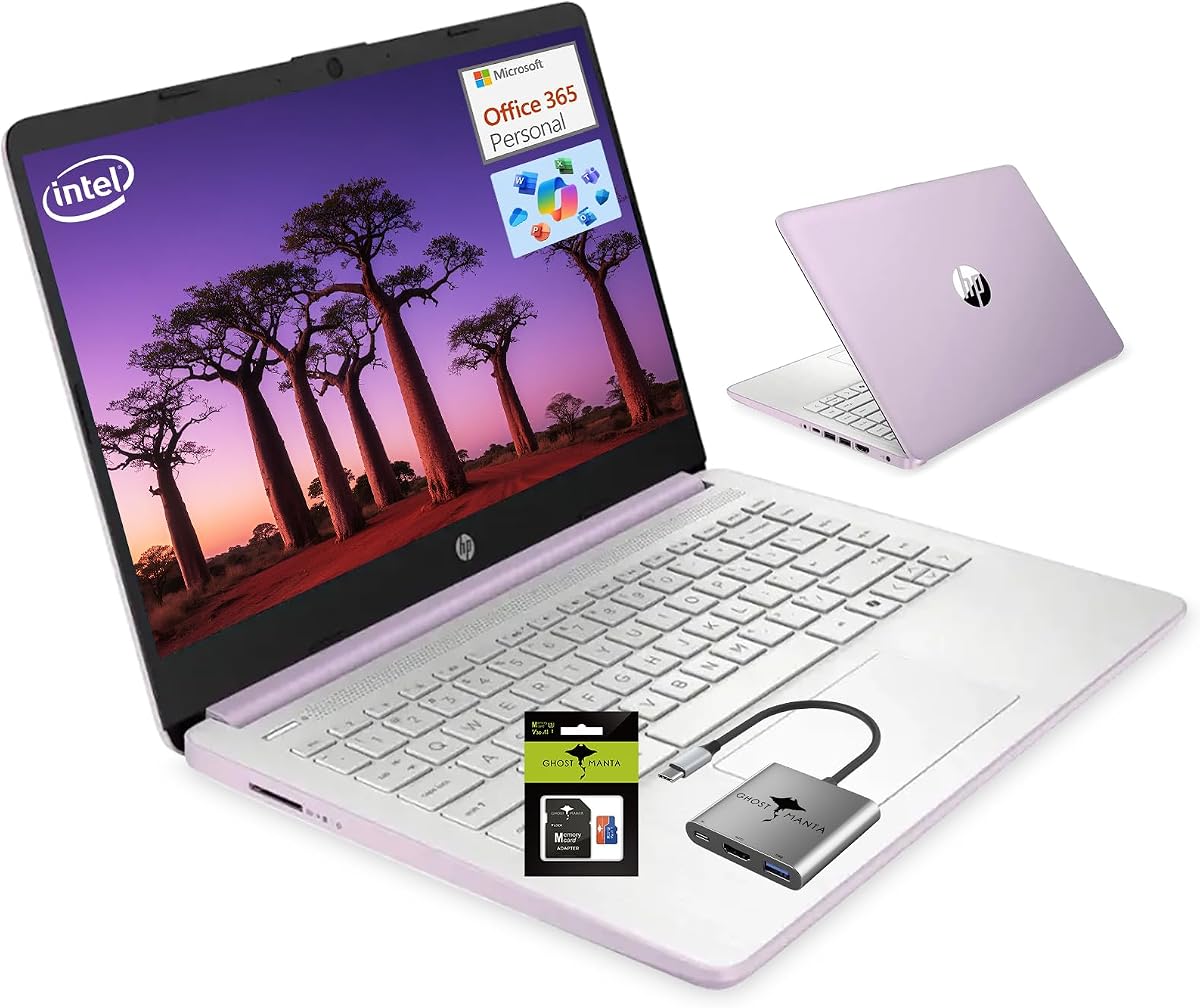
This model stands out with a unique Honey Lavender color and a solid storage configuration including an SD card for extra space. The 8GB RAM ensures decent multitasking capability for typical student workloads.
We may earn a commission when you buy through this link, at no additional cost to you.
Windows 11 and Office 365 provide a familiar environment for productivity. The Copilot AI feature adds a modern touch helping to streamline tasks like scheduling or content generation.
The anti-glare display and lightweight design make it comfortable for long periods of use. It is an attractive option for students who want a device that feels personal and modern.
If you appreciate a distinct look alongside reliable performance this laptop is a great choice. It offers a good balance of style and function for daily academic use.
The Honey Lavender finish offers a unique aesthetic that helps distinguish your device from standard laptop models in the classroom.
With 256GB of total storage including an SD card you have room for apps and files without relying solely on cloud storage.
We may earn a commission when you buy through this link, at no additional cost to you.
Choosing the right laptop requires considering several key factors that impact your daily academic experience and long-term satisfaction.
The processor is the brain of your laptop and determines how quickly it can handle tasks. For general schoolwork look for modern Intel N series or Core i3 processors which offer a good balance of speed and battery life. More intensive tasks like video editing may require higher-end options but most students will find entry-level chips sufficient for daily use.
Prioritize a processor that matches your specific workload to avoid spending money on power you do not need.
RAM dictates how many applications you can run at once without slowing down. Aim for at least 8GB if you plan to keep multiple tabs open while researching. Storage should be at least 128GB locally but consider models that include cloud or external options for larger files.
Balancing RAM and storage ensures your device remains responsive throughout the school year.
A long-lasting battery is crucial for students who move between classes or study away from outlets. Look for laptops advertising eight hours or more of usage to get through a full day without recharging. Real-world usage may vary so check reviews for practical expectations.
Longer battery life reduces the stress of finding power sources during busy days.
Weight and size matter if you carry your laptop everywhere. A 14-inch model usually offers the best compromise between screen real estate and portability. Check the physical weight to ensure it fits comfortably in your bag.
A lighter laptop makes commuting easier and reduces physical strain.
Windows offers the widest compatibility with school software while Chrome OS is simpler and more secure for web-based work. Choose based on your comfort level and specific program requirements. Some courses may require specific software that only runs on Windows.
Select an OS that aligns with your academic requirements and user preferences.
A clear screen reduces eye strain during long study sessions. Look for anti-glare coatings and at least HD resolution. Brightness matters if you work in varied lighting conditions so consider higher nits ratings.
A good display ensures comfort and clarity for reading and writing.
Ensure your laptop has enough ports for your peripherals or consider a model with USB-C support. Fast Wi-Fi standards like Wi-Fi 6 help maintain stable connections in crowded networks. Bluetooth is useful for connecting wireless headsets or mice.
Modern connectivity keeps you connected to all your necessary tools.
Set a realistic budget early to narrow down your options effectively. Often a higher price does not always mean better value for student needs. Look for bundles that include accessories to save on extra costs.
Maximizing value ensures you get the most functionality for your investment.
Keep your laptop clean by using a microfiber cloth to wipe the screen and keyboard regularly to prevent dust buildup.
Avoid placing heavy items on top of the closed laptop to prevent screen damage or hinge stress over time.
Update your software regularly to ensure security patches are applied and performance remains optimal for your tasks.
For most school tasks 4GB is the absolute minimum but 8GB is recommended for smoother multitasking. More memory ensures you can run browsers and document editors simultaneously without lag.
Choose Windows if you need specific desktop software like specialized engineering tools. Chrome OS is better if you work primarily online and want simplicity and security.
At least 128GB locally is standard but combining it with cloud storage is ideal for saving documents and media. This hybrid approach prevents running out of space quickly.
Yes because you may not always have access to an outlet between classes. A battery that lasts through the day allows you to focus on work without interruptions.
A 14 inch screen is generally more portable and lighter which is great for commuting. A 15.6 inch offers more screen real estate which can be helpful for spreadsheet work.
Most students do not need a dedicated graphics card unless they are doing heavy gaming or video editing. Integrated graphics are sufficient for web browsing and productivity.
This guide has highlighted ten distinct options ranging from budget Chromebooks to feature-rich Windows laptops. Each model offers unique strengths to match different academic needs and preferences.
Prioritize performance and battery life if you plan to work on the go often. Portability should be a key factor if you carry your device everywhere daily.
Remember that prices and stock levels can change frequently so check current availability before finalizing your purchase. Investing in the right machine now will support your educational goals throughout the year.